5 First steps
15
5.3 Integrating data loggers into testo
Account
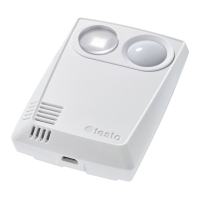
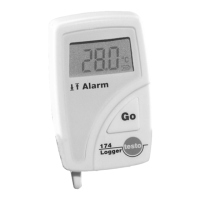
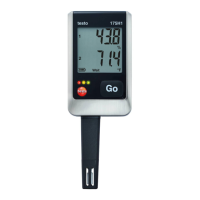
There are several ways to integrate the online data loggers into your network
and into your testo account:
• Commissioning via testo Smart App (via WLAN hotspot)
• Commissioning via desktop computer and testo Saveris Cloud (via USB
cable)
• Offline commissioning via PDF (via USB cable)
In networks with WPA2 Enterprise encryption, commissioning via the
testo Smart App is not possible.
5.3.1 Commissioning via testo Smart App
To establish a connection via WiFi hotspot, you need a
tablet or smartphone with the Testo Smart App already
installed on it.
You can get the App for iOS instruments in the App Store
or for Android instruments in the Play Store.
Compatibility:
Requires iOS 13.0 or later / Android 8.0 or later.
Select the application Datalogger & Monitoring | Monitoring.
Login or register in the testo account.
Select Add new data logger.
Follow the step-by-step instructions.
5.3.2 Commissioning via testo Saveris Cloud (via
USB cable)
Open testo Saveris Cloud: www.saveris.testo.com
Log in to your testo account or register again.
Select Add new data logger.
Follow the step-by-step instructions.


 To Next Page