4 First steps
25
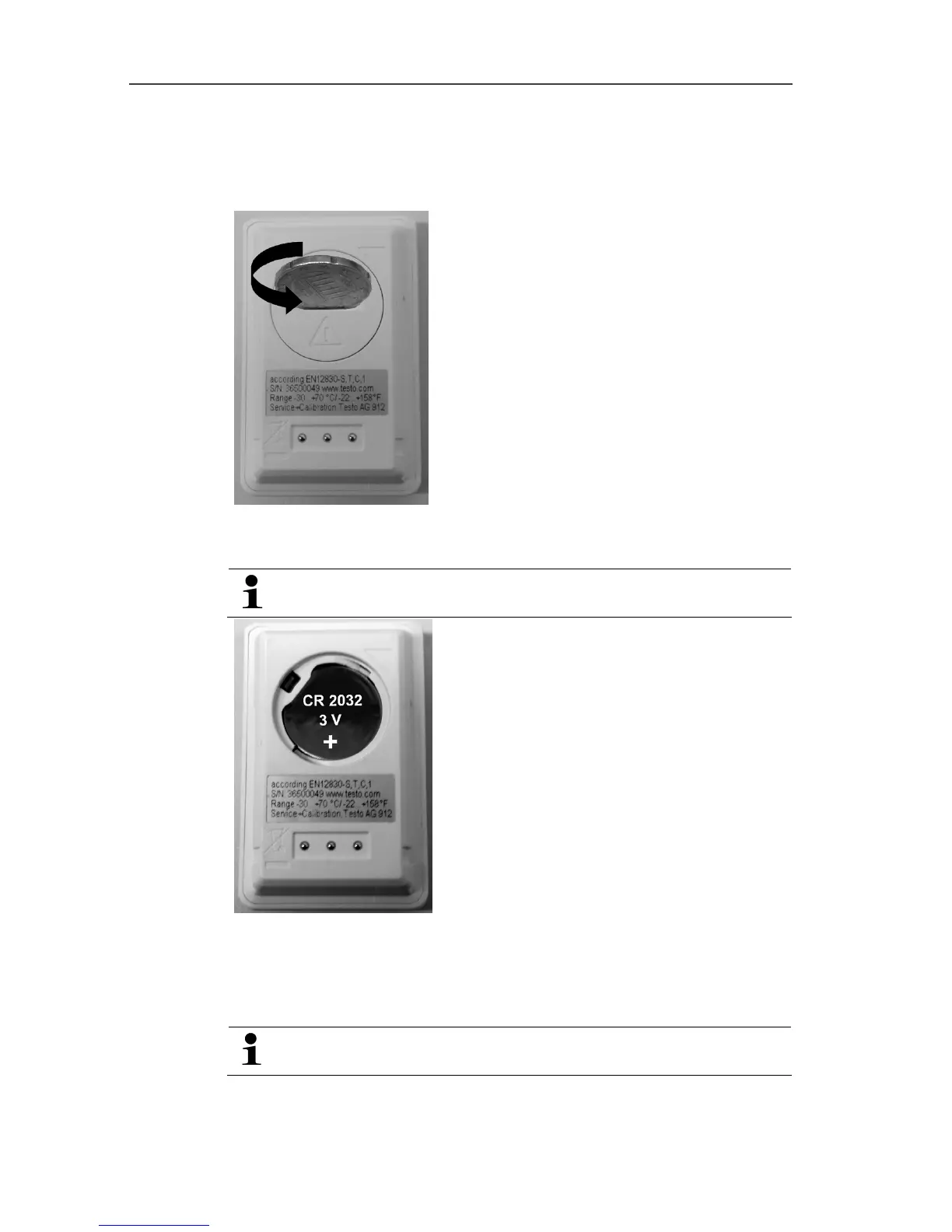
4.2. Inserting batteries
1. Place the data logger on its front.
2 Open battery compartment cover on the rear of the data logger
by turning to the left and remove it.
Use a coin for this.
3. Insert supplied batteries (3 V button cell, CR 2032 lithium) so
that the + pole is always visible.
4. Place battery compartment cover on the data logger and close
by turning to the right.
Use a coin for this.
- The current temperature is shown on the display screen.



 To Next Page