7 Using the product
16
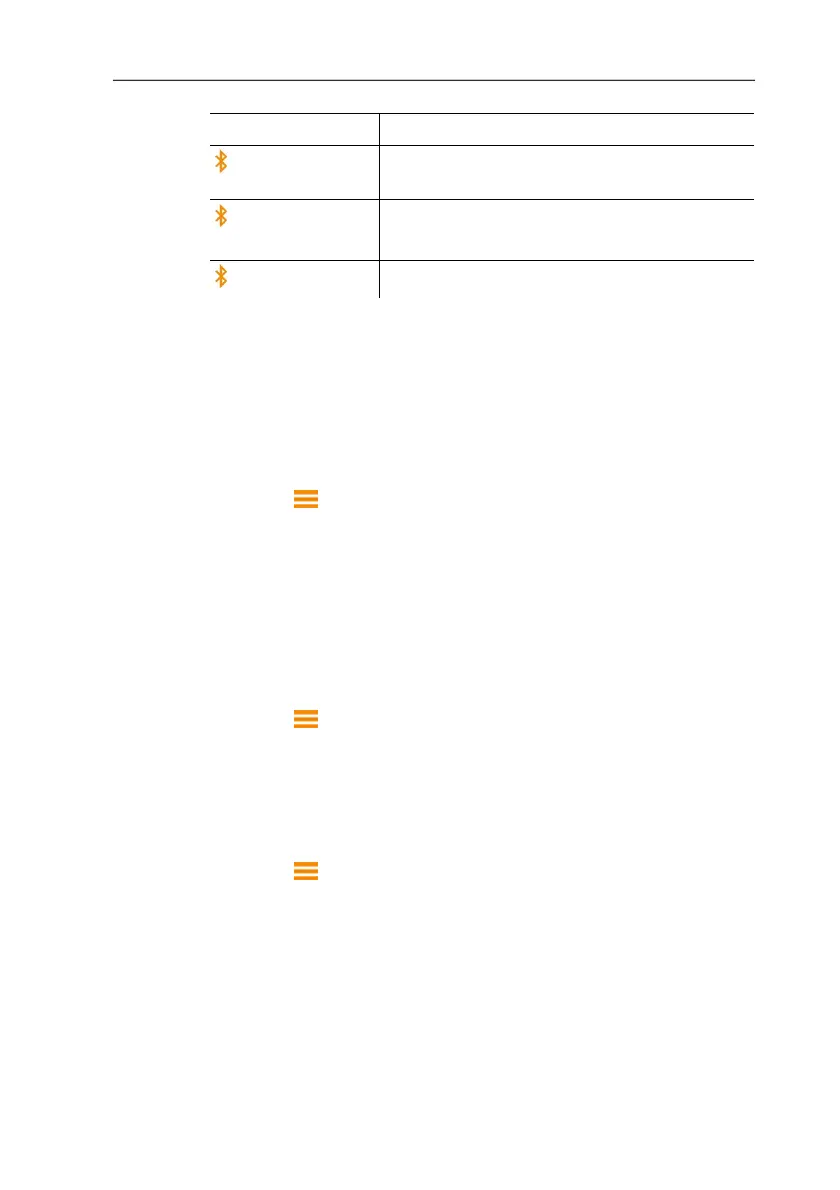
Display Explanation
flashes
There is no Bluetooth connection, or a
potential connection is being searched for.
is permanently
displayed
There is a Bluetooth connection.
is not displayed
Bluetooth is disabled.
7.2. Settings for the measurement
7.2.1. Damping (Gliding Average)
If the readings fluctuate widely, it is advisable to damp the
readings. The time range for the damping can be set manually
between 5-20 seconds.
1. Press , then select Device settings and Gliding average.
- The damping can be set between 5-20 seconds.
7.2.2. Hood Calibration
This input is provided for the filing of calibration data by the
relevant calibration laboratory. The flow hood-specific adjustment
data can be input manually for supply air and exhaust air and has
a direct effect on the measurement results. Input option of 0.001-
9.999.
1. Press , then select Device settings and Hood adjustment.
- Calibration of the hood can be set for supply air and exhaust air.
7.2.3. Zeroing Interval (Automatic Zeroing)
The pressure sensor carries out automatic zeroing at regular
intervals. These intervals can be set via the automatic zeroing.
1. Press , then select Device settings and Zeroing int.
- The zeroing interval can be set between 1-20 seconds.



 To Next Page