8 Using the product
37
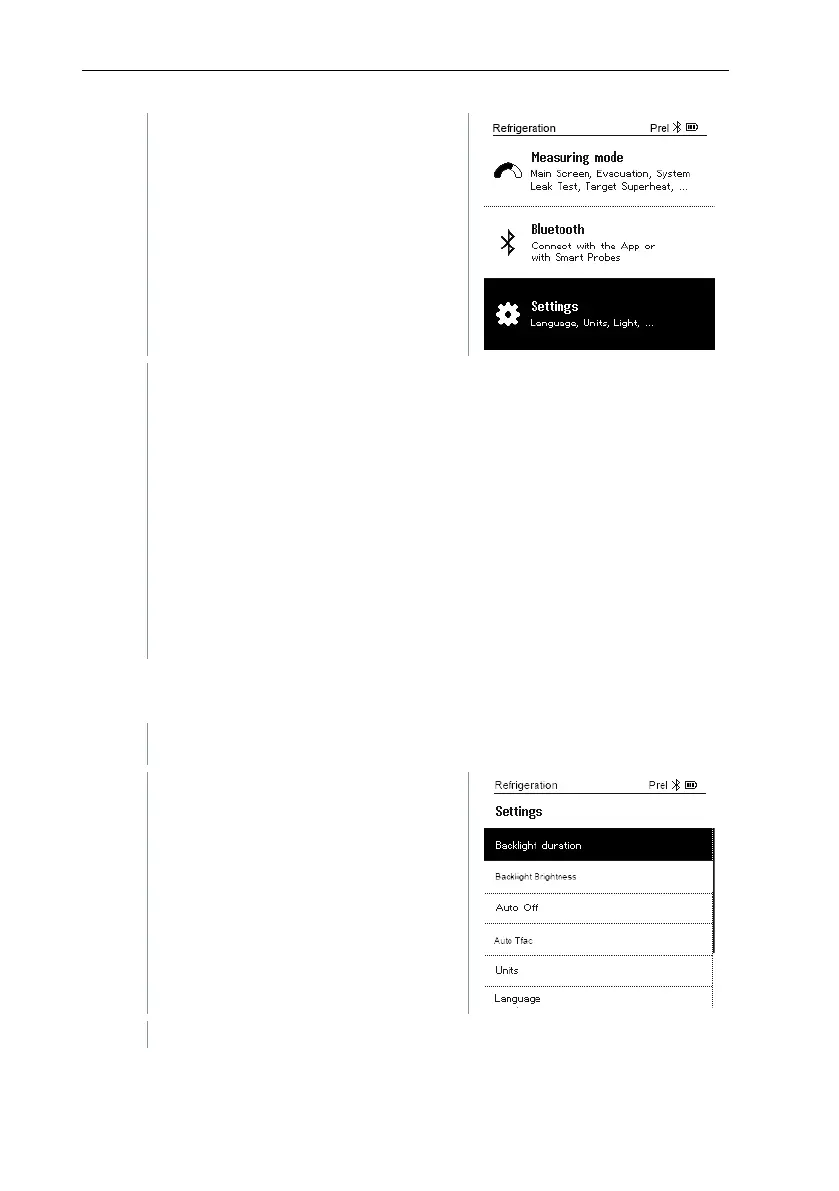
Select Settings: Press [▼] and then
[Menu/Enter] to confirm.
The Settings menu is displayed.
Available settings:
• Backlight duration
• Backlight brightness
• Auto Off
• Auto Tfac (Temperature compensation factor)
• Units
• Language
• Setup Wizard
• Restore factory settings
• Instrument information
8.4.1 Backlight duration
Set the backlight duration for the display.
The Settings menu is activated.
Press [▲] / [▼] to select Backlight
duration and press [Menu/Enter] to
confirm.
Menu properties are displayed.



 To Next Page