9 Smart App
52
You have the option of setting up favourite refrigerants in the App.
These then appear at the beginning of the refrigerant list.
To do this, click on the asterisk next to the refrigerant in the refrigerant
The newly set refrigerant is displayed in the refrigerant list.
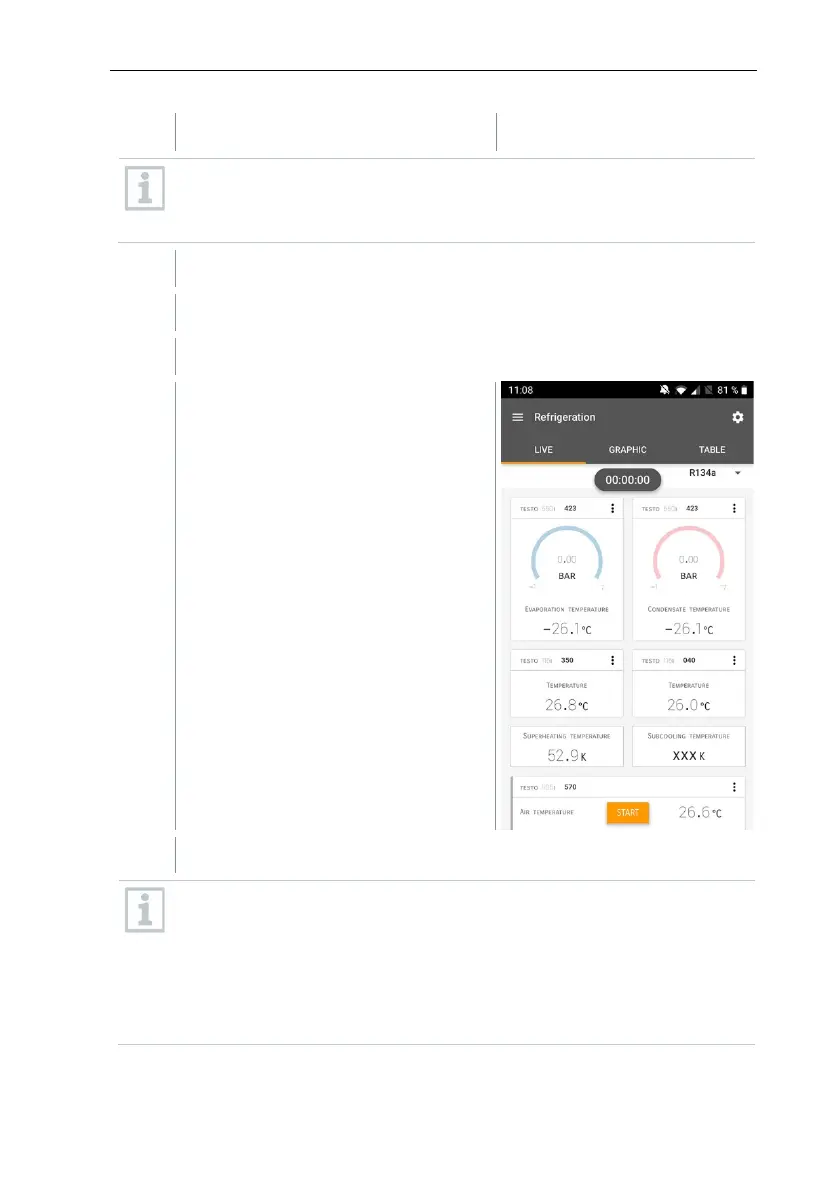
The measurement starts.
Values currently being measured are
displayed.
Measured values can be saved or a new measurement can be started.
With zeotropic refrigerants, the evaporation temperature to/Ev is
displayed after complete evaporation/the condensation temperature
tc/Co is displayed after complete condensation.
The measured temperature must be assigned to the superheating or
subcooling side (t
oh
<--> t
cu
). Dependent on this assignment, the display
will show t
oh
/T1 resp. Δt
oh
/SH or t
cu
/T2 resp. Δt
cu
/SC, depending on the
selected display.



 To Next Page