5 First steps
38
✓ With Saveris H2D/H4D radio probes, the external humidity
probe must be connected.
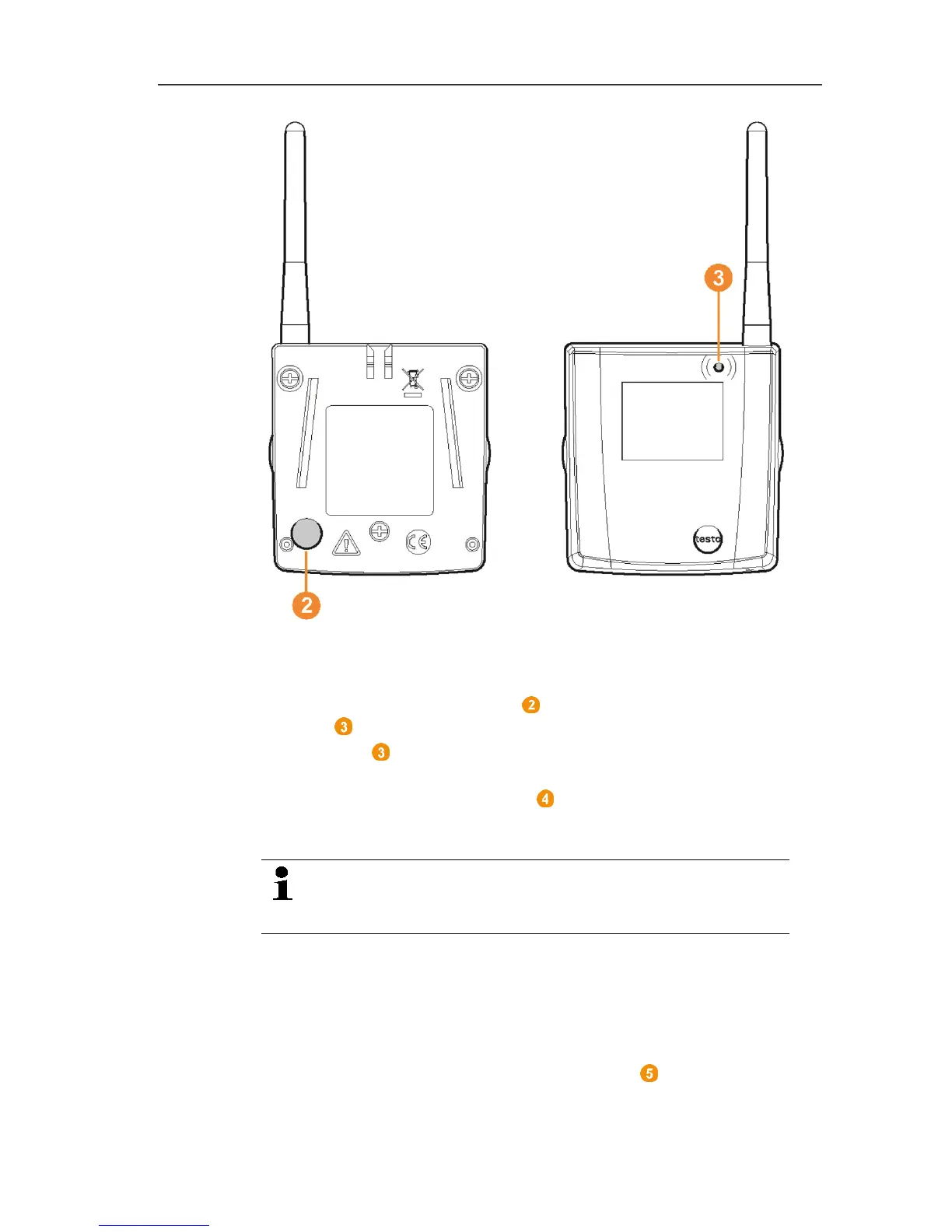
3. Hold down the connect key on the rear of the probe until the
LED at the probe begins to flash orange.
- The LED at the probe briefly turns green if this was detected
by the Saveris base.
The LED at the Saveris base briefly flashes green and a
prompt appears in the display of the base for the connection of
more probes or routers.
Multiple probes cannot be connected at the Saveris
base simultaneously. Multiple probes can only be
connected one after the other.
4. At the Saveris base, press the
• [Esc] key if no more components are to be connected.
- A note on the required performance of the startup assistant
is shown on the display for about ten seconds. Then the
Saveris base changes to the Info System menu in which
the number of connected components is now shown.
• Press [Enter] if further components are to be connected;
see previous step.



 To Next Page
 Loading...

