5 First steps
62
Pos: 74 /TD/Erst e Schritte/testo Saver is/Hardware erwei tern/03 Ethernet-Fühler einbinden/03 Verbindu ngsdaten zuweisen @ 1\ mod_120342151578 1_79.docx @ 8226 @ 4 @ 1
5.11.3.4. Assigning connection data
You must now enter the connection settings for the Ethernet
probes.
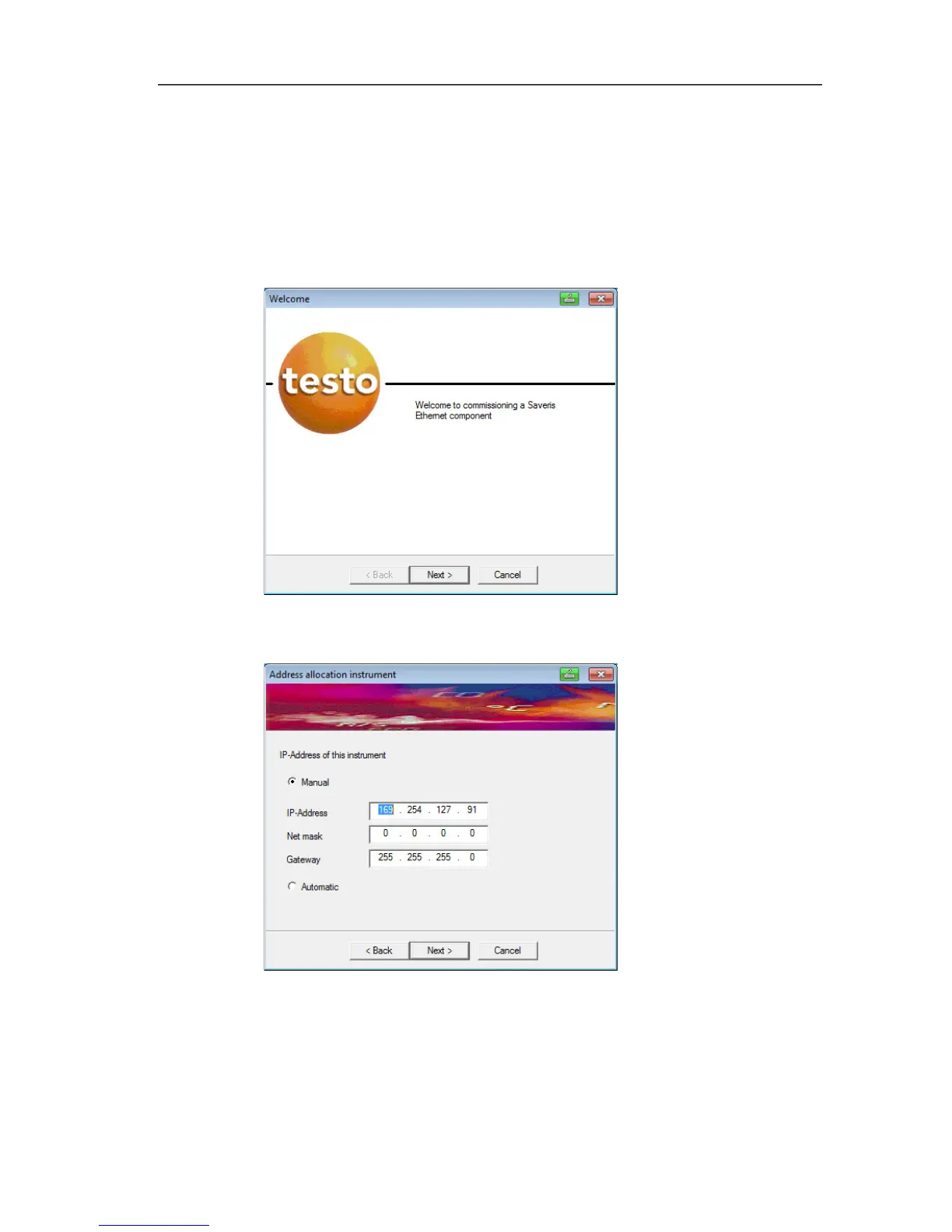
1. Open the wizard for entering the connection settings via Start |
All Programs | Testo | Testo Saveris Ethernet Wizard.
- The wizard is started with the welcome dialogue.
2. Click on [Continue >].
- The Instrument address allocation dialogue is shown.
3. Enter IP address, Netmask and Gateway.



 To Next Page
 Loading...

