5 First steps
43
If the software will not start, check whether the testo
tdassvcs service is started in the service management
of the operating system and restart it, if needed.
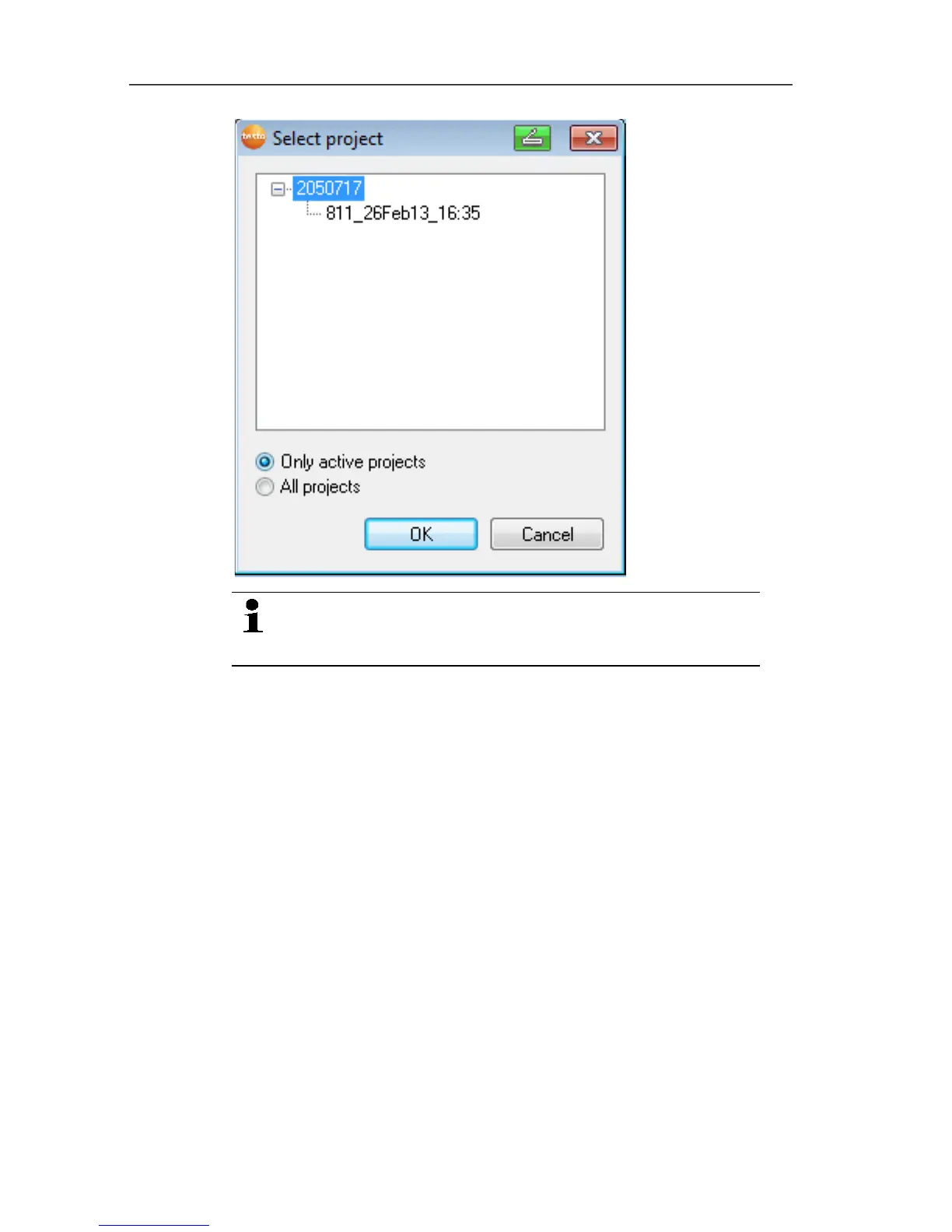
2. Select the
• Only active projects option if the data from a running
project should be opened
• All projects option if the data from a completed project
should be opened.
3. Select the project that is to be opened in the tree structure.
4. Confirm with [OK].
- The Testo Saveris software program window is shown with
the selected data record in the foreground.
Pos: 62 /TD/Erst e Schritte/testo Saver is/Hardware erwei tern/Messsystem erwei tern @ 1\mod_119755158 1796_79.docx @ 6327 @ 3 @ 1



 To Next Page
 Loading...

