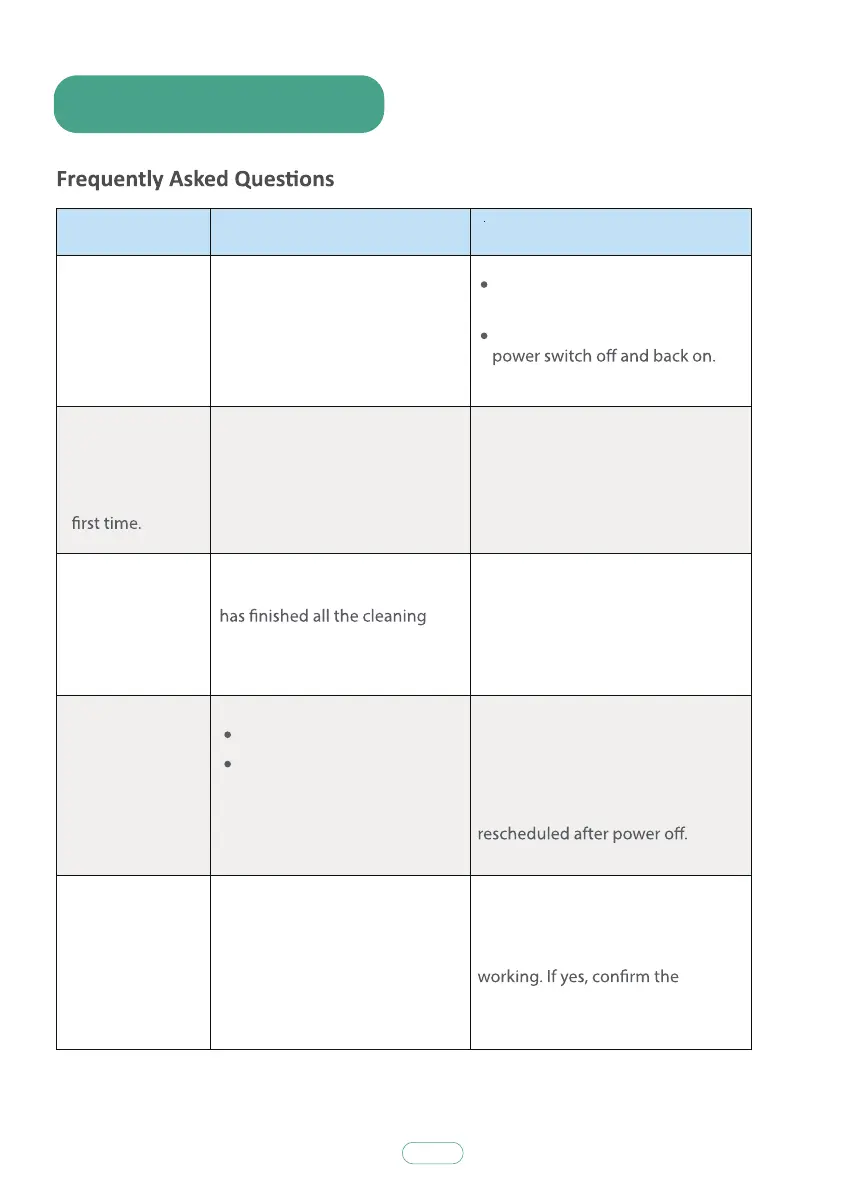
7. Troubleshooting
30
Problems Causes Solutions
Clean the sensors carefully with
a dry cloth.
Restart the S5 by turning the
Please install the side brushes
correctly according to the marks L
and R on the device.
It is normal.
The APP control scheduling
must be in a non-sleep state, and
there is a voice prompt for the
start and success of scheduling. In
addition, the robot needs to be
Remove the side brushes and the
rolling brush separately to see if
there are still any noise when
problem accessory and replace it
with a new one.
There is something wrong with
the S5 software.
The side brushes are mounted in
reverse.
The robot judge by itself that it
work and return for charging.
Scheduling failed.
The robot was restarted after
scheduled.
The side brushes or rolling
brush deform.
The S5
movements or
travel path are
abnormal.
The side
brushes deform
when you start
cleaning the
The S5
doesn’t
keep working
for 100 minutes.
The S5 does
not
perform cleaning
work
automatically as
scheduled on
APP control.
The S5
suddenly make
noise.



 To Next Page