1.
Welcome
2.
Safety Instructions
3.
Product Components
(Charging
Modes)
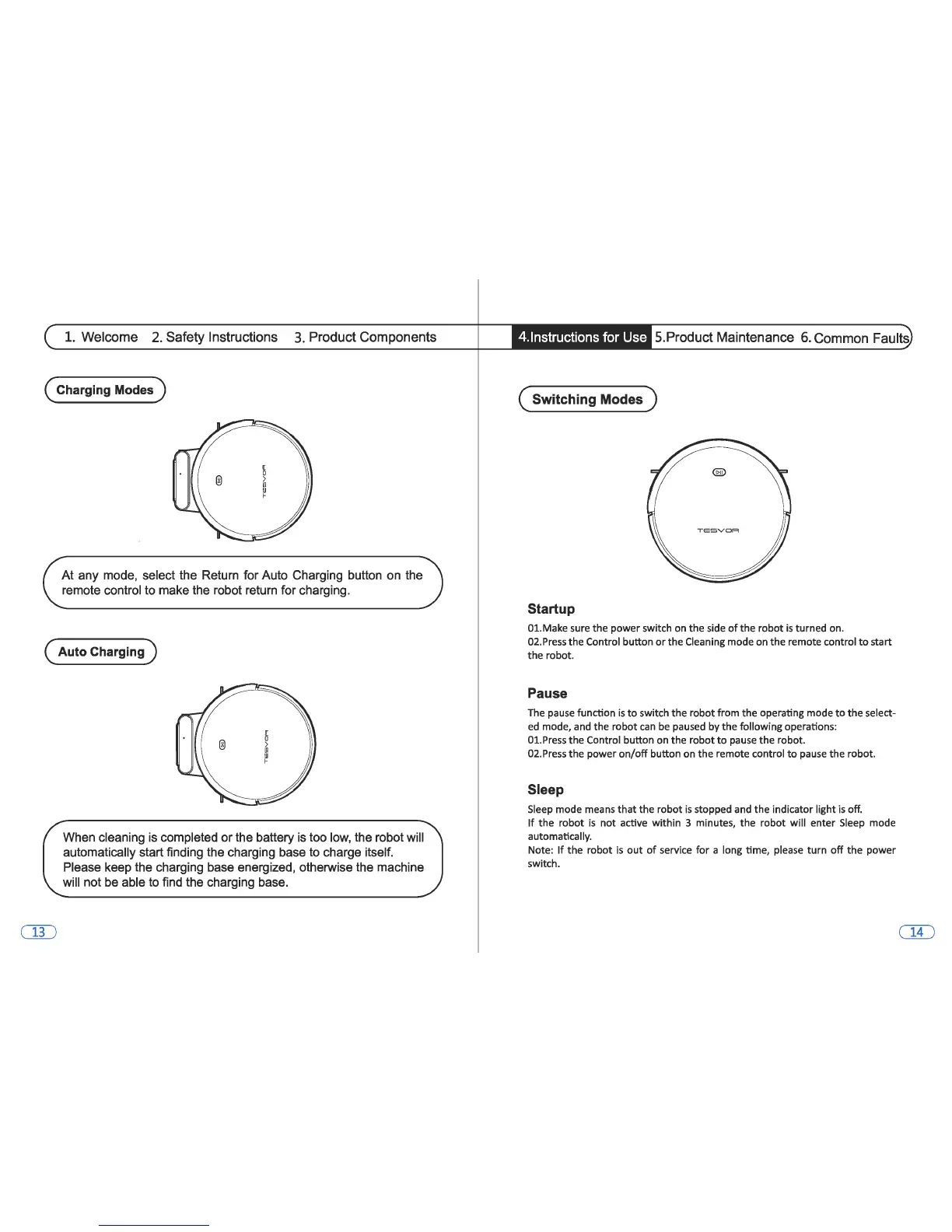
At
any mode, select the Return for Auto Charging button on the
remote control to make the robot return for charging.
(Auto
Charging)
When cleaning is completed
or
the battery is too low, the robot will
automatically start finding the charging base to charge itself.
Please keep the charging base energized, otherwise the machine
will not be able to find the charging base.
4.lnstructions for Use
5.Product Maintenance
6.
Common Faults
(Switching
Modes)
Startup
01.Make sure the power switch
on
the side
of
the robot
is
turned on.
02.Press the Control button
or
the Cleaning mode
on
the remote control
to
start
the robot.
Pause
The
pause
function
is
to
switch the robot from the operating mode
to
the select-
ed
mode, and the robot
can
be
paused by the following operations:
01.Press the Control button
on
the robot
to
pause
the robot.
02.Press the power
on/off
button
on
the remote control
to
pause the robot.
Sleep
Sleep
mode means that the robot
is
stopped and the indicator light
is
off.
If
the robot
is
not active within 3 minutes, the robot will enter
Sleep
mode
automatically.
Note:
If
the robot
is
out
of
service for a long time, please turn
off
the power
switch.


 To Previous Page