EasyManua.ls Logo

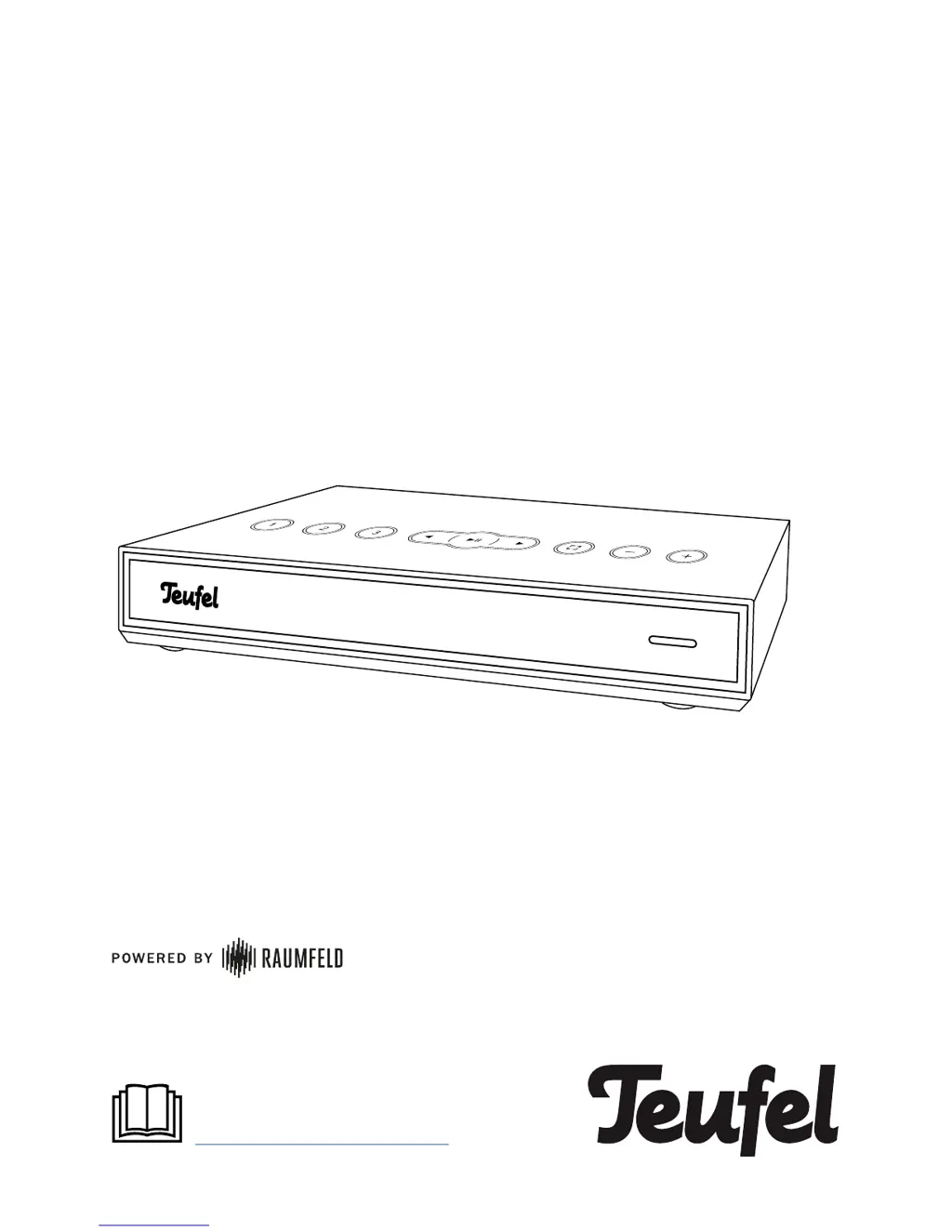
Teufel Streamer - User Manual

Teufel Streamer
12 pages
Print Icon
To Next Page IconTo Next Page
Loading...
Teufel Streamer
Quick Reference Guide
For detailed online documentation,
please visit
http://manual.teufelaudio.com

Questions and Answers

  • R
    Ryan MillerJul 27, 2025
    What to do if music playback skips or is interrupted on my Teufel Streamer Media Player?
    • H
      Hannah RiceJul 27, 2025
      If music playback skips or is interrupted on your Teufel Media Player, it may be due to a weak Wi-Fi signal. Try these steps: * Place the devices closer to the router. * Try alternative setup locations. * Connect devices far from the router with an Ethernet cable. * For multi-room systems with three or more devices, connect at least one device with an Ethernet cable and set it as the host. * Refrain from using repeaters as a test. * Use an audio stream with low resolution. It is also recommended to visit the website of the router manufacturer for tips on how to improve your Wi-Fi.
  • J
    josecollinsAug 2, 2025
    What to do if the Teufel Streamer app is not connected or fails to locate the configured streaming devices?
    • R
      riversdavidAug 2, 2025
      If the Teufel Media Player app is not connected or fails to locate the configured streaming devices, ensure that the Teufel streaming devices and the smart device with the Teufel Raumfeld App are on the same Wi-Fi network. You can also try restarting your router or briefly disconnecting your Teufel streaming devices from the power supply and then starting them again.
  • H
    Henry KelleyAug 8, 2025
    How to reset Teufel Streamer?
    • D
      Derek BrownAug 8, 2025
      To reset your Teufel Media Player, note that all system configuration settings will be reset. With the device switched on, use a straightened paper clip to push the reset button and hold it down until the device restarts (for at least 8 seconds).
  • C
    Chelsea MccartyAug 14, 2025
    Why is Teufel Streamer Media Player setup failing?
    • W
      William BrownAug 14, 2025
      If the setup of your Teufel Media Player fails, restart your router and your smartphone or tablet. Set up the device near your router and switch off any repeaters during the setup process. If your router provides guest access, do not use it to connect your Teufel streaming devices.
  • J
    Jacqueline FernandezAug 20, 2025
    What to do if the LEDs do not illuminate on my Teufel Streamer Media Player?
    • M
      Melanie AliAug 20, 2025
      If the LEDs on your Teufel Media Player do not illuminate, ensure that power is supplied to the device. Check that the mains adapter/cord is securely seated.

Summary

General Notes and Information

Proper use

Guidelines for correct and intended use of the Teufel Streamer to prevent damage.

Safety notes

Important safety information to protect users and third parties.

Unpacking

Package contents

Lists all items included in the Teufel Streamer package.

Operational Controls and Connections

Top side

Details the controls and ports located on the top surface of the device.

Back side

Details the controls and ports located on the back surface of the device.

Preparations

Setup

Configuration

Operation

Standby

Details how the Teufel Streamer enters and is managed in standby mode.

Preset buttons

Explains the function and programmability of the preset buttons for music access.

Accessing saved content

How to play music saved on preset buttons.

Control button

Explains the default and programmable functions of the control button.

Spotify Connect

Instructions for playing music via Spotify Connect.

Connecting via Bluetooth

Troubleshooting

Declaration Of Conformity

Teufel Streamer Specifications

General IconGeneral
MultiroomYes
Supported Network ProtocolsUPnP, DLNA
ConnectivityWi-Fi, Ethernet
Audio OutputsRCA
Streaming ServicesSpotify, TIDAL
ControlRemote Control
Audio FormatsMP3, AAC, FLAC, WAV, WMA, OGG Vorbis, ALAC
Power SupplyExternal power supply