Helpline No. UK/Northern lreland 0161 975 0458 Rep.lreland 1800-882912
Web Support www.fascin8.co.uk
Model Number: 40699
10
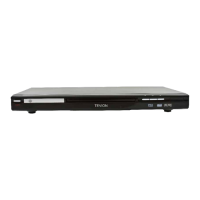
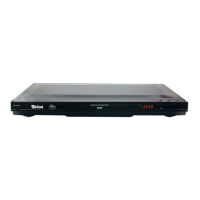
Connecting Your DVD Player
This product has a choice of three connections but these cannot be connected at the same time.
The choice of connection will depend on the video jack on your TV,
• In order to connect your DVD to your TV simply use the scart lead provided to connect
from the scart socket on the DVD to the scart socket on your TV itself. Then connect the
power supply to a mains socket.
• Also via the AV Output socket from the DVD player using the AV cable provided (red,
yellow and white) to the AV Input on your TV
• Also via the RGB socket (red, green and blue) from the DVD player to the RGB socket on
your TV
Connecting to a HIFI System
If you also want to have your HIFI System connected to the DVD player you can connect via the
audio output socket on the DVD using a RCA cable (red on the right, white on the left) but you
must have Audio In on the HIFI System. You can also connect via an amplifier if you do not have
Audio In on your HIFI System.


 To Next Page