Helpline No. UK/Northern lreland 0161 975 0458 Rep.lreland 1800-882912
Web Support www.fascin8.co.uk
Model Number: 40699
13
USB Operation
The USB reader only performs MP3 and JPEG picture playback. The maximum capacity the USB
will accept is 4GB.
Power on your DVD player ensuring no disc is inserted in the tray, now insert the USB device and
press the ‘DVD/USB’ button. Use the direction keys to navigate to the USB option, press ‘enter’ to
select this and a waiting message will appear on your TV screen then press ‘enter’ again to confirm
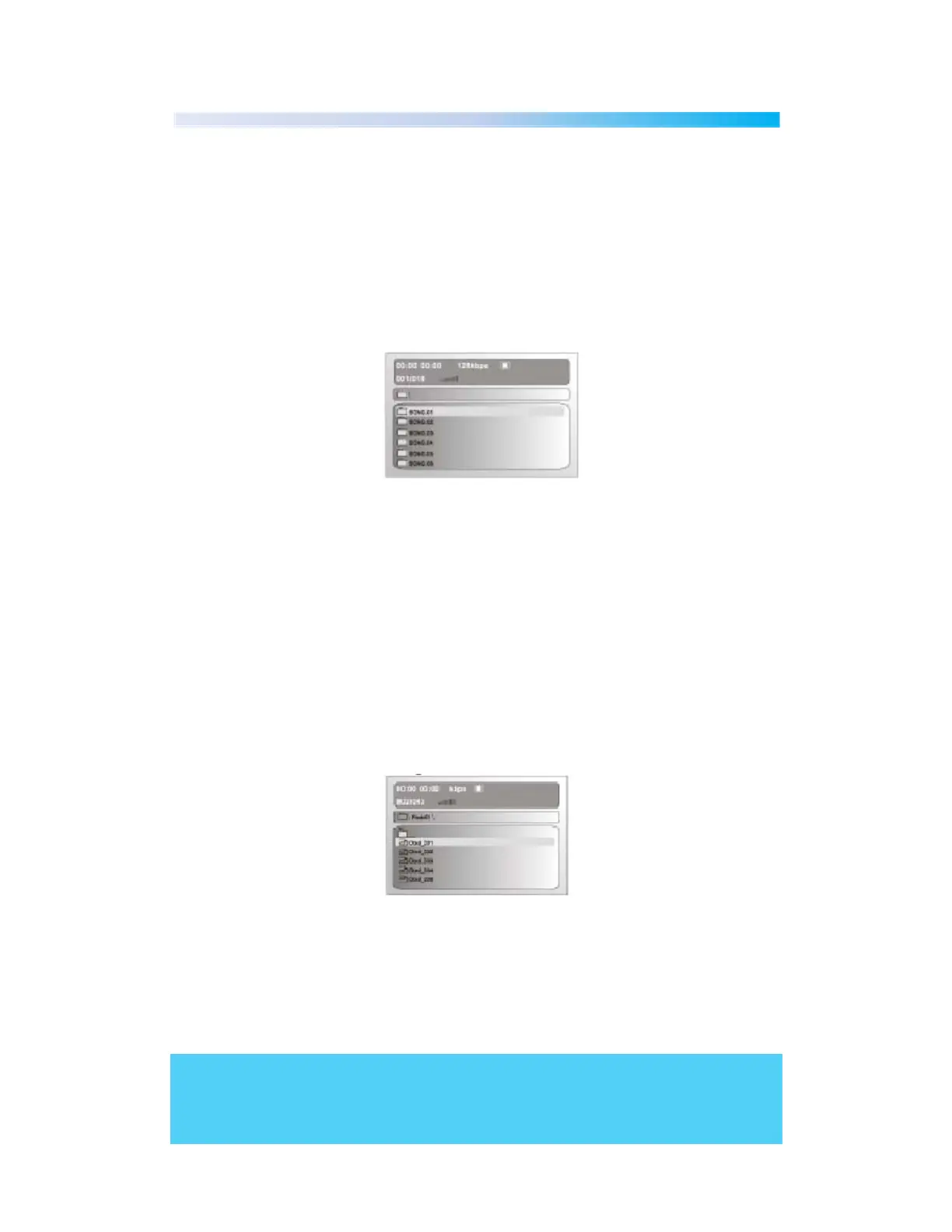
USB. Your files will then display on the screen, you can select your desired file using the direction
keys to navigate to this and ‘enter’ button to confirm this
Please note if using a MP3 CD you can access your files as shown above.
With USB and MP3 music selection you have the option for repeat press the ‘repeat’ button to
select from single song play, single song repeat, folder repeat or folder play. Press ‘repeat’
continuously and your choice will display on the bottom of your screen.
JPEG Picture Operation
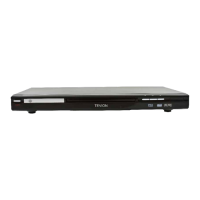
When viewing JPEG pictures your screen will display as below use the direction keys to navigate to
the picture you wish to view and press the ‘enter’ button to view the image on screen. This will
automatically go from picture to picture within the folder you can use the direction keys to rotate
your picture on screen. At any time press the ‘title’ button to return to the root menu


 To Next Page