11
Helpline No. UK/Northern Ireland 01270 508538 Rep. Ireland 1800 995 036
Web Support www.quesh.co.uk
Model Number: 43744
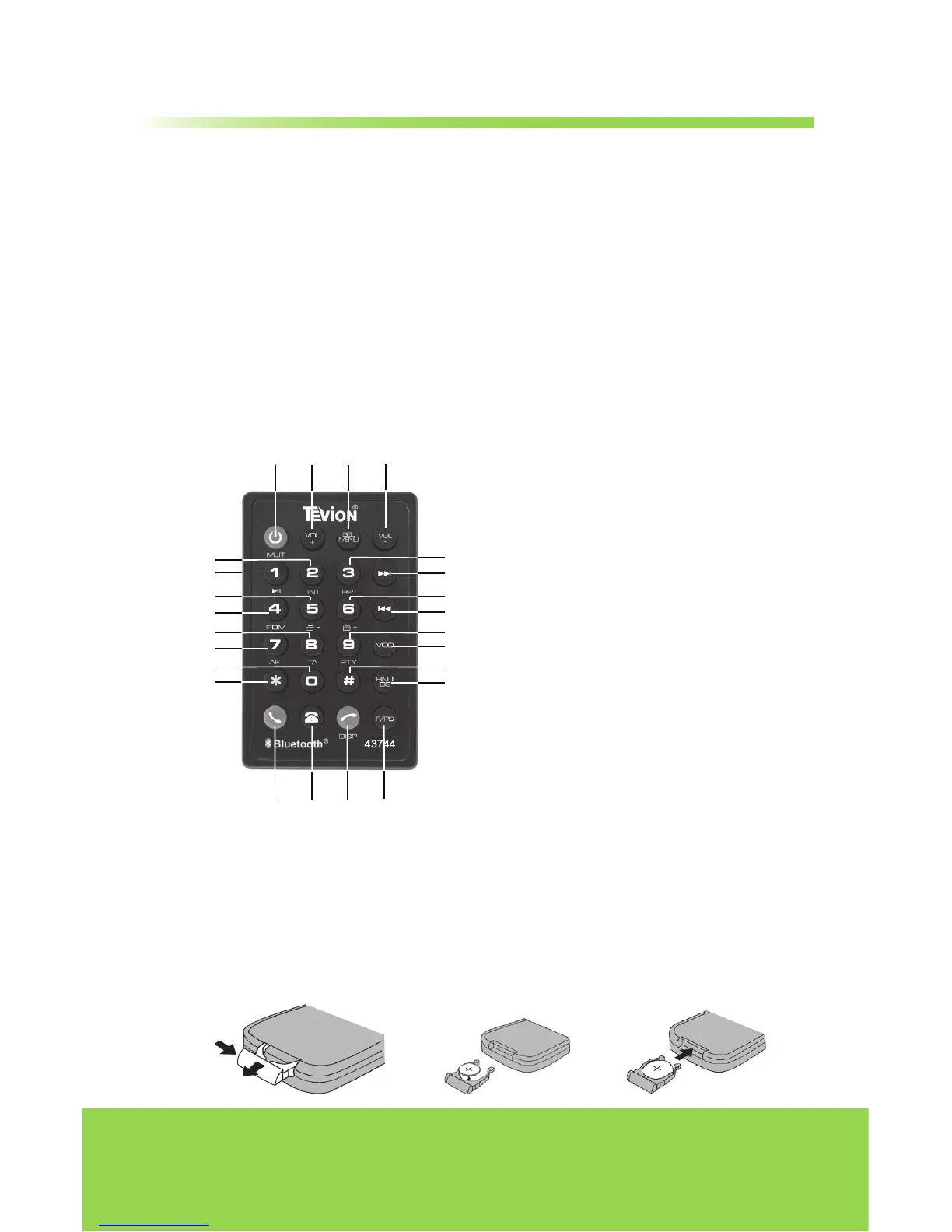
Remote Control
1. Power on / off / Mute Sound
Button
2. Volume +
3. Sound Select Key / Menu
4. Volume -
5. Number 2 / Intro Scan
6. Number 1 / Play / Pause
7. Number 5 / Folder Down
8. Number 4 / Random Play
9. Number 8 / TA Control
10. Number 7 / AF Control
11. Number 0
12. Number *
13. Number 3 / Repeat Play
14. Stations Tune/Seek/Track Up
15. Number 6 / Folder Up
16. Stations Tune / Seek / Track Down
17. Number 9 / PTY Control
18. Mode
19. Number #
20. Band / ID3
21. Answer Button
22. Phone Button
23. Reject Button / Clock Display
24. F/PS
Operating the remote control
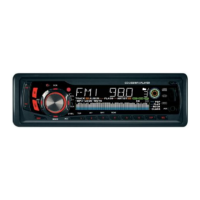
Aim at the face panel of the CD receiver, the maximum distance at which
signals can be received is about 6 meters. Make sure that the signal path is not
obstructed.
Battery Safety
Take care when fitting batteries, observing the polarity marking on the battery
and the product.
Never dispose of batteries in fire. Risk of explosion.
Never attempt to recharge non-rechargeable batteries.
Seek immediate medical advice if you believe a cell has been swallowed.
Keep batteries away from children.
Remove batteries from a product if it is not to be used for a period of time.
To replace the batteries:
Follow the 3 steps below:
(1) Remove the cover from the back of the remote control.
(2) Insert a CR-2025 Lithium battery.
(3) Replace the cover on the back of the remote control.


 To Next Page