Helpline No. UK/Northern Ireland 01270 508538 Rep.Ireland 1800 995 036
Web Support www.quesh.co.uk
Model No: 44163
22
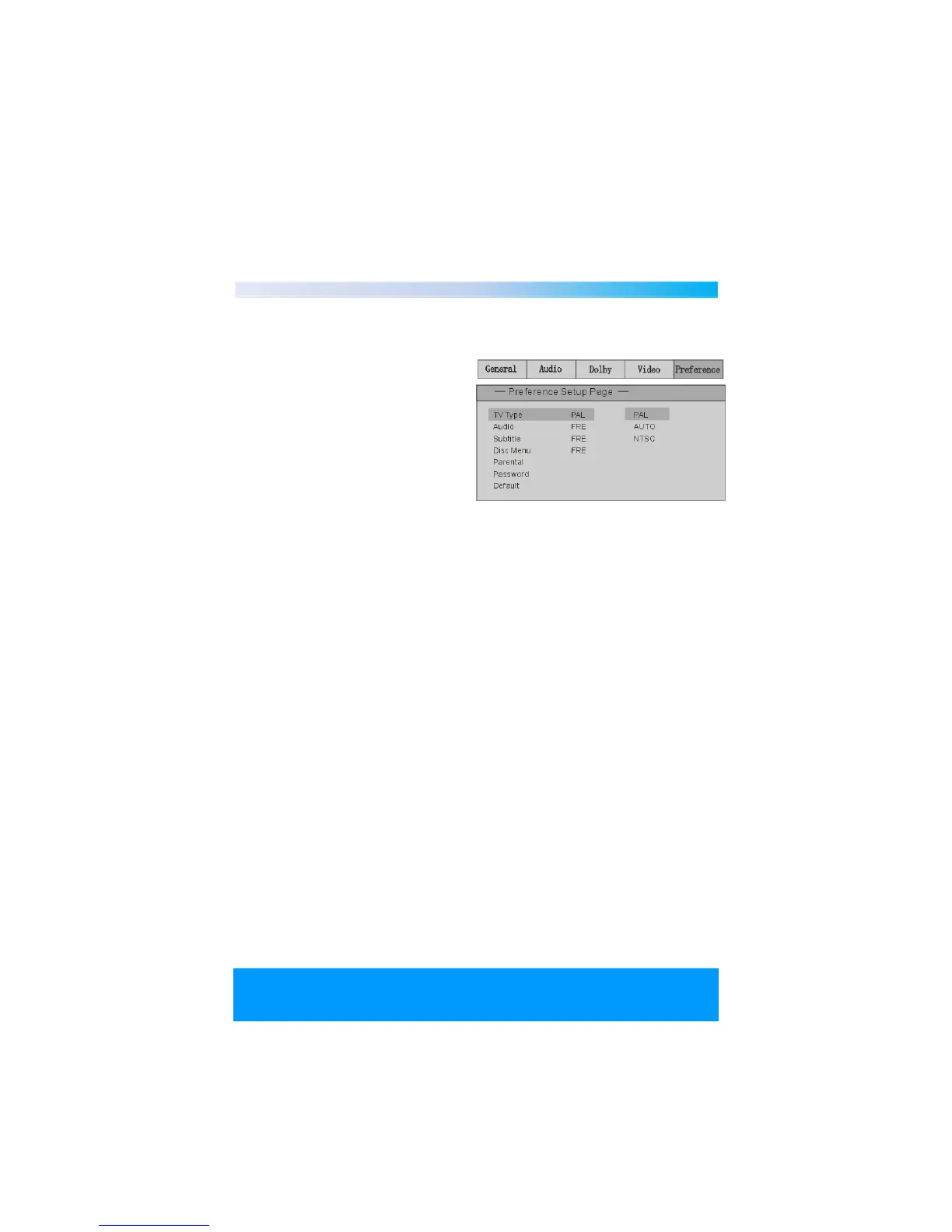
TV System
Different disc formats suit
different TV standards. According to
the different disc formats, select the
TV signal mode of the system
output by using TV mode.
Options : NTSC, PAL, AUTO.
Note : if your TV is in NTSC or PAL
mode, and you choose the wrong
TV mode by mistake, the picture
will appear on the screen in black
and white or it will blink. Press
“P/N” key to reset.
Screen Saver
Use the screen saver option to open or close the screen saver program.
Options : ON/OFF
On : After a certain time (about 3 min), the screen saver program will open
automatically. Press any keys to cancel the screen protection mode.
Off : when the close function is selected, the system’s screen saver will not
activate.
Video Output
Video output offers different image quality.
Options available are : INTERLACE-YUV,TV-RGB,P-SCAN YPBPR,S-VIDEO.


 To Next Page