2
TI30XAUS.DOC MURFE pruning Pat Hatcher Revised:
06/17/99 4:31 PM Printed: 06/17/99 4:32 PM Page 2 of 21
Basic Operations
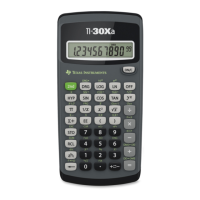
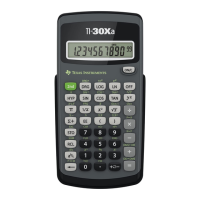
TI-30Xa (battery)
¦ |
turns on the TI-30Xa.
¦ }
turns off the TI-30Xa and clears display,
settings, and pending operations, but not memory.
¦
APD™ (Automatic Power Down™) turns off the
TI-30Xa automatically if no key is pressed for about
5 minutes, but does not clear display, settings,
pending operations, or memory.
Note:
|
after APD retrieves display, pending
operations, settings, and memory.
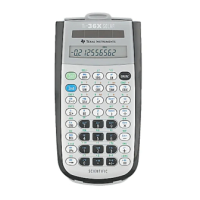
TI-30Xa Solar
¦
To turn on the TI-30Xa Solar, expose the solar
panel to light and press
!
. Note: Always press
!
to clear the calculator because memory and
display may contain incorrect numbers.
¦
To turn off the TI-30Xa Solar, cover the solar panel
with the slide case.
2nd Functions
2nd functions are printed above the keys.
"
selects
the 2nd function of the next key pressed. For example,
2
"
t
calculates the cube of 2.


 To Next Page
 Loading...