EasyManua.ls Logo

Texecom CAPTURE Q20 - User Manual

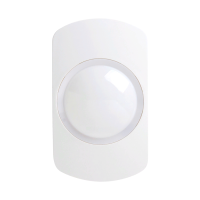
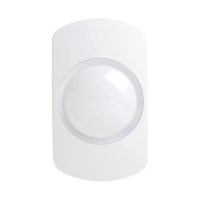
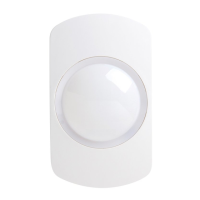
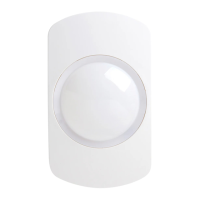
Texecom CAPTURE Q20
68 pages
Print Icon
To Next Page IconTo Next Page
Loading...
CAPTURE® P15, Q20, D20, CQ, CD G2
Motion Detectors
INS878EN-2
Question and Answer IconNeed help?

Do you have a question about the Texecom CAPTURE Q20 and is the answer not in the manual?

Summary

1.0 Quick installation

1.1 Opening the device

How to open the motion detector device for installation.

1.2 Mounting and cable entry

1.3 Wiring and EOL selection

Terminal block identification

Identifies the terminals on the device for wiring and EOL selection.

1.4 Mode selection

1.5 Testing, commissioning & LED indications

Walk test

Procedure to verify detection coverage and ensure no obstructions.

D20 & CD Microwave Range Adjustment

How to adjust the microwave range for optimal detection coverage.

4.0 Specifications

Summary

1.0 Quick installation

1.1 Opening the device

How to open the motion detector device for installation.

1.2 Mounting and cable entry

1.3 Wiring and EOL selection

Terminal block identification

Identifies the terminals on the device for wiring and EOL selection.

1.4 Mode selection

1.5 Testing, commissioning & LED indications

Walk test

Procedure to verify detection coverage and ensure no obstructions.

D20 & CD Microwave Range Adjustment

How to adjust the microwave range for optimal detection coverage.

4.0 Specifications

Texecom CAPTURE Q20 Specifications

General IconGeneral
Detection MethodPassive Infrared
Operating Temperature-10°C to +55°C
Walk Test LEDYes
Anti-maskingNo
TypePIR Detector
Detection Range15m
Coverage Angle90°
Mounting Height1.8m - 2.4m
Power Supply9 to 16 V DC
Current Consumption15mA typical
Alarm OutputNormally Closed (NC)
Tamper OutputNormally Closed (NC)

Related product manuals