35
icon will flash. If reception has been unsuccessful, then the DCF tower icon will not appear but reception will
still be attempted the following hour.
TIME ZONE SETTING:
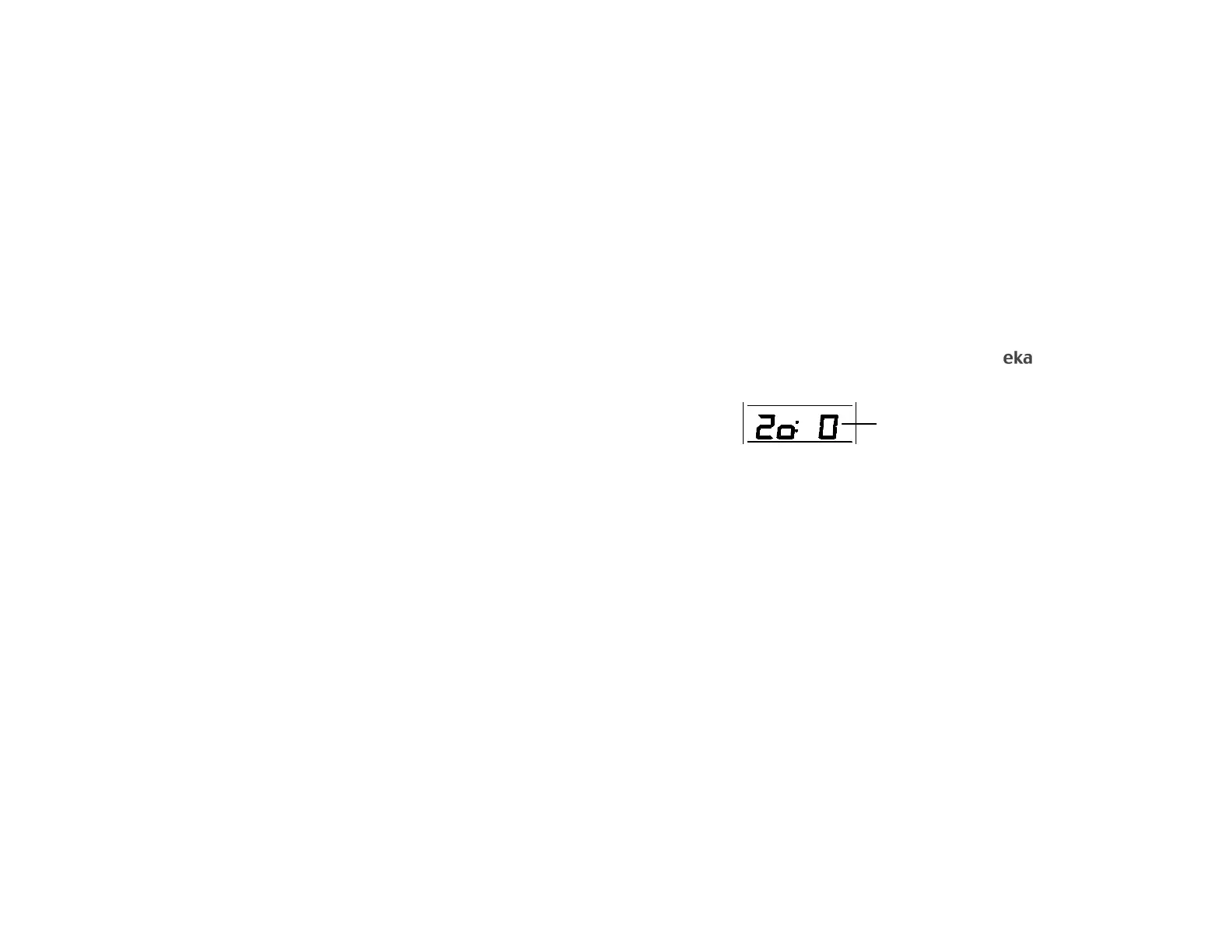
The time zone default of the Weather Station is 0. To reset the time zone:
1. The current time zone value starts flashing.
2. Use the IN key to set the time zone. The range runs from 9 to -9 and then runs from -9 back to 0 in
consecutive 1-hour interval.
3. Press the SET key to enter the Date setting mode or do not touch any buttons for 30 seconds to
confirm the time zone setting.
LCD 2 DATE SETTING:
The second section of the LCD shows the weekday and date, Alarm ((1)) time or Alarm ((2)) time. It also
shows the Alarm ON/OFF icons ((1)) and ((2)).
Time Zone (flashing)



 To Next Page