Pagina 31 di 36
AD800E-STD.EN-06 - Subject to change without notice TFT DryAir
Alarm menu
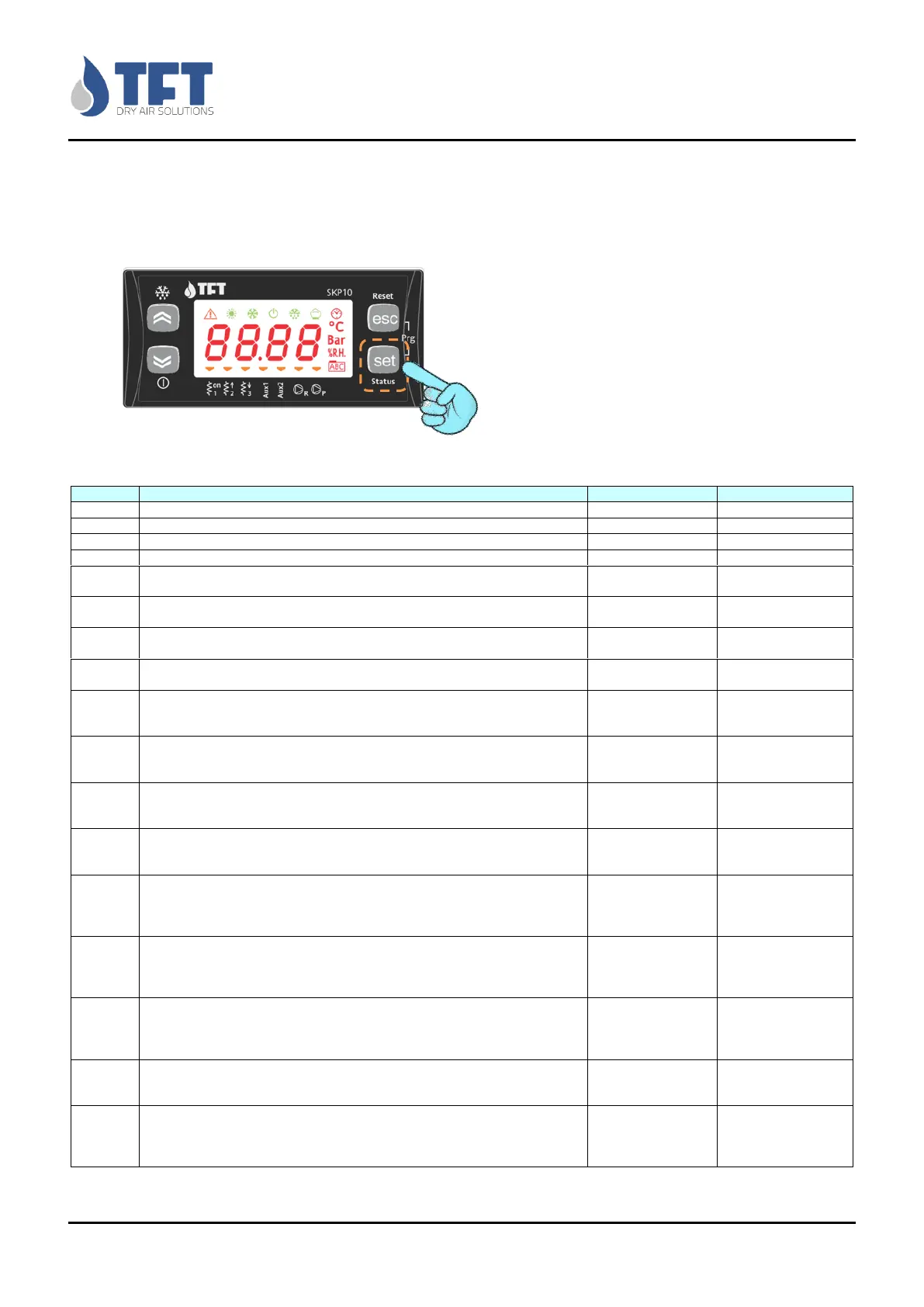
To access the alarms folder to see the type of alarm, press SET, with the UP and DW look for the word "AL", press SET to
display the initials of errors occurred, with the UP and DW you can scroll and see all alarms (if present). To return to the
initial display back by repeatedly pressing the ESC key.
ALARMS TABLE
Overload alarm of process fan
Thermal alarm of reactivation and/or gear motor
Thermal alarm of reactivation Heaters
Alarm rotor is stationary
Reactivation temperature probe error, failure or disconnection
Deactivation
reactivation
Error temperature sensor pre-treatment, failure or disconnection
Deactivation pre-
treatment
Error temperature probe post-treatment, failure or disconnection
Deactivation pre-
treatment
Probe error relative / absolute humidity, dewpoint, failure or disconnection
Deactivation
reactivation
Alarm configuration:
You have enabled the after-treatment without enabling the corresponding probe
(CF04> 0 and CF05 = 0).
Alarm configuration:
You have enabled the display of the value of moisture without enabling the
corresponding probe (CF01=3 and CF08 = 0).
Alarm configuration:
You have enabled the display of the value of post-treatment without enabling the
corresponding probe (CF01 and CF05 = 7 = 0).
Alarm configuration:
You have enabled the display of the value of pre-treatment without enabling the
corresponding probe (CF01=6 and CF03 = 0).
Alarm configuration:
You have enabled the display of the value of absolute humidity or dewpoint
calculated without enabling probes corresponding relative humidity and post-
treatment (CF01 = 4 or 5 and CF05=0 and CF08 ≠ 1).
Alarm configuration:
You have enabled the display of the value of absolute humidity or dewpoint
calculated without enabling probes corresponding relative humidity and post-
treatment (CF13 ≠ 0 e CF05 = 0 e CF08 ≠ 1).
Alarm configuration:
It has been enabled in the control of reactivation mixed Steam/Water + Electrical and
control of Post-cooled / Reheating simultaneously. Condition impermissible (CF02> 7
and CF03 and CF14 ≠ 0 = OFF).
Alarm Configuration:
Output OUT6 has been enabled for "Service" signalling and configuration for
regeneration control with 3 step enable (CF16=1 and CF02 = 3 or 6 or 7 or 10).
Deactivating output
OUT 6
Alarm Configuration:
The pause/work operation has been activated for the dehumidifier with control from
an external relative humidity probe and the probe is not enabled (CF18=2 and
CF08=0).
Software Version 1.7.0 (FW 412.20)



 To Next Page