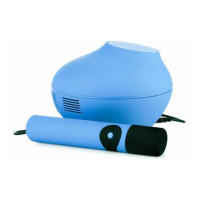
— E12 —
u
v
w
x
1
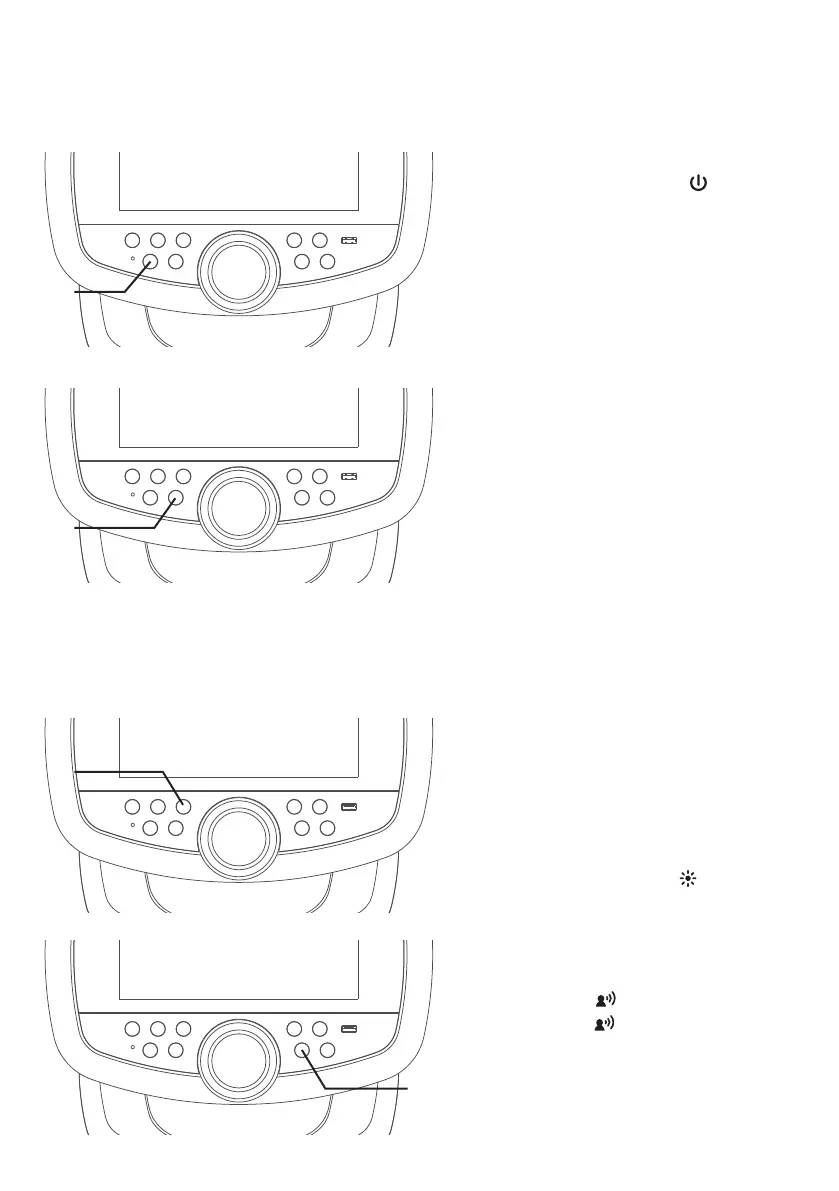
Connect the unit as described
previously. Press the button to
turn the unit on. The touch screen
will turn on.
NOTE: If the Wi-Fi network is not
connected in this unit, the Wi-Fi connection
window will pop up.
2
RECORD YOUR SINGING
PERFORMANCE
During music playback, press the
REC button to record your singing
and the music. Recording will begin
and the recording indicator will
appear on-screen.
When done recording, press the
REC button again.
NOTES:
• You can save the recorded vocals and
music to the built-in memory or USB
flash drive.
• If the recorded audio files will be
recorded on a USB drive, Insert a USB
flash drive into the USB port on the unit.
3
There are 9 built-in light modes.
Repeatedly press button to
switch between lighting effects.
4
Press the button repeatedly or
press the button once and turn
the VOLUME/EFFECTS control to
select a sound effect.
Operation
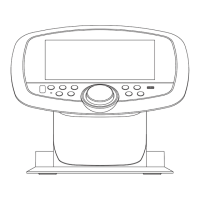
Control Keys


 To Next Page