EasyManua.ls Logo

The Singing Machine SML343 BK/P - User Manual

The Singing Machine SML343 BK/P
12 pages
Print Icon
To Next Page IconTo Next Page
Loading...
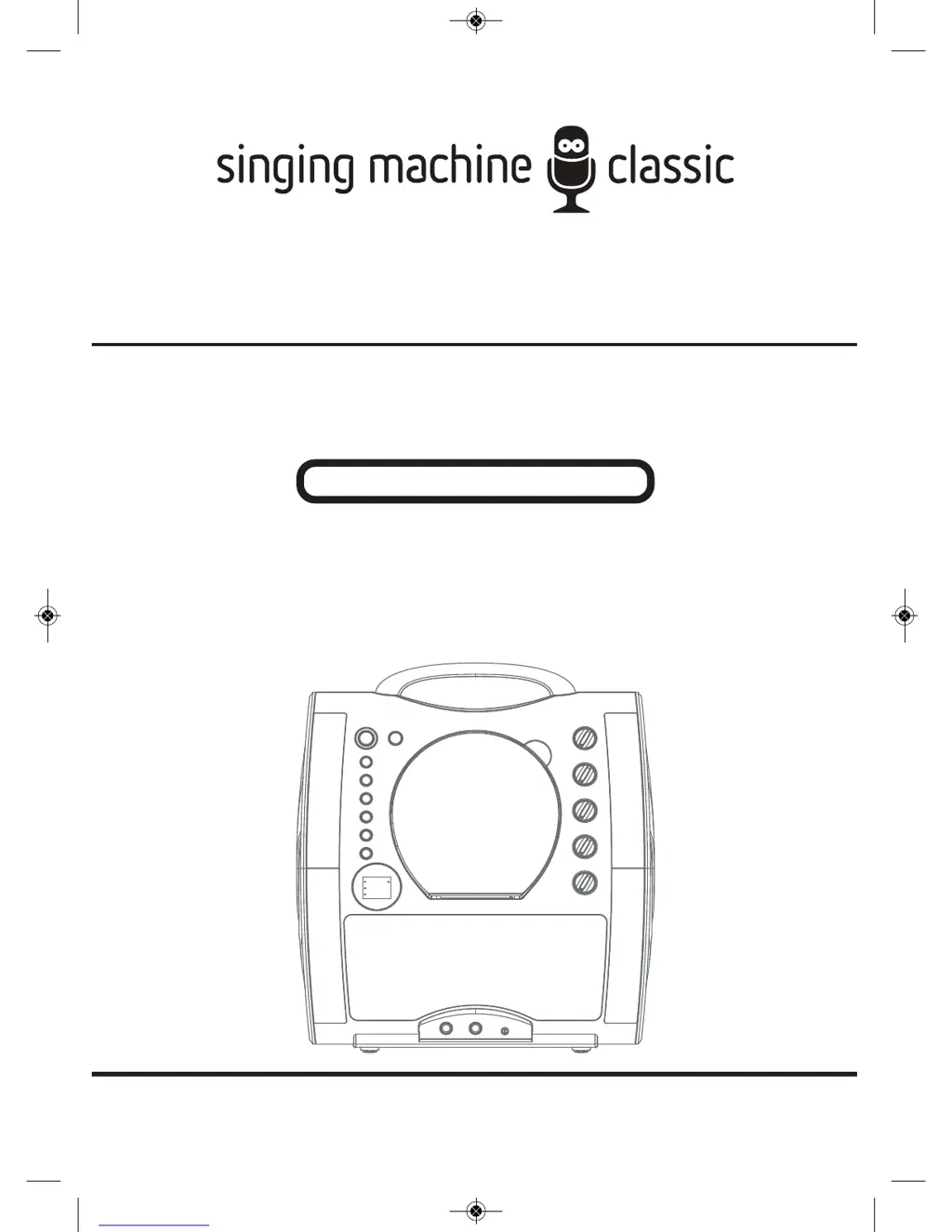
SML343(BK/P)
INSTRUCTION MANUAL
Please read before first using this unit.
The Singing Machine® is a registered trademark or The Singing Machine Co., Inc.
SML343-ENG(2014).qxp_Layout 1 7/7/14 16:25 Page 1

Questions and Answers

  • A
    Adrian GuzmanAug 14, 2025
    What to do if The Singing Machine SML343 BK/P CD player does not work normally?
    • S
      Sandra BergerAug 14, 2025
      If the CD player on your Karaoke System isn't working correctly, try the following: 1. Ensure the disc is inserted correctly. 2. Clean the disc by wiping it in a straight line from the center to the edge with a soft, lint-free cloth. 3. Try a new disc if the current one is scratched or warped. 4. Clean the lens inside the CD compartment with a clean, dry cotton cloth or use a CD lens cleaner. 5. If moisture has formed inside the CD deck, wait 20 to 30 minutes to let it dry out. 6. Power the system OFF and disconnect the machine from electrical outlet for 30 seconds to reset it.
  • C
    Christopher Kim DVMAug 17, 2025
    What to do if The Singing Machine SML343 BK/P Karaoke System has no power when plugged in?
    • W
      warepattyAug 17, 2025
      If your Karaoke System isn't powering on when plugged in, first, ensure the AC outlet is working by testing it with another device like a lamp. If the outlet is functional, check that the DC plug is securely connected to the back of the unit. Make sure the cord is firmly plugged into the back of the Karaoke System.
  • D
    David OsbornAug 20, 2025
    How to fix The Singing Machine SML343 BK/P Karaoke System when there is no sound?
    • C
      Christopher ScottAug 20, 2025
      If you're not getting any sound from your Karaoke System, start by checking the volume control and ensure it isn't set to the minimum. Turn up the volume. Also, make sure that any audio cables are disconnected from the AUX IN jack.
  • M
    Maria JonesAug 25, 2025
    Why is there no sound from the mic on The Singing Machine SML343 BK/P?
    • A
      Amy ParkerAug 25, 2025
      If you're experiencing no sound from the microphone, make sure that the mic volume is properly adjusted. Turn it to max, and then readjust to a comfortable level. Ensure the MIC is switched to the ON position and securely connected to the MIC jack. Also, check that the master volume isn't set too low; adjust it to a comfortable level. Finally, make sure you are speaking or singing directly into the top of the microphone, about 1 inch away from your mouth.
  • D
    Dr. Tonya BernardAug 27, 2025
    How to fix The Singing Machine Karaoke System when lyrics do not appear on the TV screen?
    • S
      Samuel PerkinsAug 27, 2025
      If the lyrics aren't showing up on your TV screen, ensure the video cable is correctly connected to the TV. If your TV lacks a video line input, connect the AV OUT of the Karaoke System to the VIDEO IN on your TV, and confirm you are playing a CDG. Use your TV remote to select the appropriate VIDEO input. Also, if a CDG is loaded, check the disc to be sure it is clean.
  • K
    Kimberly ParsonsAug 30, 2025
    What to do if The Singing Machine SML343 BK/P has no power when the ON/OFF button is on?
    • C
      Cheryl TapiaAug 30, 2025
      If your Karaoke System isn't powering on even when the ON/OFF button is activated, ensure the AC plug is correctly connected to the electrical outlet and that the plug is securely connected to the system.
  • J
    Jennifer RiosSep 3, 2025
    What to do if The Singing Machine Karaoke System has no sound when audio is going through TV or home stereo?
    • E
      elliottseanSep 3, 2025
      If you're not hearing any sound when routing audio through your TV or home stereo, first, select AUX IN as the source on your TV or home stereo. Ensure proper connections to the stereo system or PA by following the directions in the “CONNECTIONS” section. Also, check that the volume control on your TV or home stereo isn't set to minimum; increase the volume.
  • M
    Michael CarpenterSep 6, 2025
    Why does The Singing Machine SML343 BK/P Karaoke System music or vocals cut out while playing a CDG and singing with the microphone?
    • M
      marywoodSep 6, 2025
      If the music or vocals cut out while playing a CDG and using the microphone, the AVC (Automatic Voice Control) might be activated; switch the AVC feature off. If that's not the case, and you're playing a music-only track, ensure the balance is properly set. Play a track that includes both music and vocals or set the balance knob to the mid point.
  • P
    Paul StevensSep 10, 2025
    What to do if The Singing Machine SML343 BK/P only plays music or vocals while playing a CDG track with music and vocals?
    • H
      Haley NelsonSep 10, 2025
      If your Karaoke System only plays music or vocals while playing a CDG track, the balance might be set either to the left or right. Adjust balance to middle.

Summary

Warnings

General Safety Warnings and Compliance

Covers essential safety precautions, electrical warnings, and regulatory compliance.

Important Safety Information

Key instructions for safe operation, handling, and maintenance of the unit.

Control Locations and Layout

Front Panel Controls

Identifies and describes buttons, knobs, and indicators on the front of the unit.

Rear Panel Connections

Details the input/output jacks and ports located on the rear of the unit.

Power and Battery Connections

Connecting AC Power Adapter

Instructions for powering the unit using the supplied AC adapter.

Basic Operation

Troubleshooting Guide

Troubleshooting Guide (continued)

The Singing Machine SML343 BK/P Specifications

General IconGeneral
BrandThe Singing Machine
ModelSML343 BK/P
CategoryKaraoke System
LanguageEnglish

Related product manuals