EasyManua.ls Logo

The Singing Machine SML392 - User Manual

The Singing Machine SML392
40 pages
Print Icon
To Next Page IconTo Next Page
Loading...
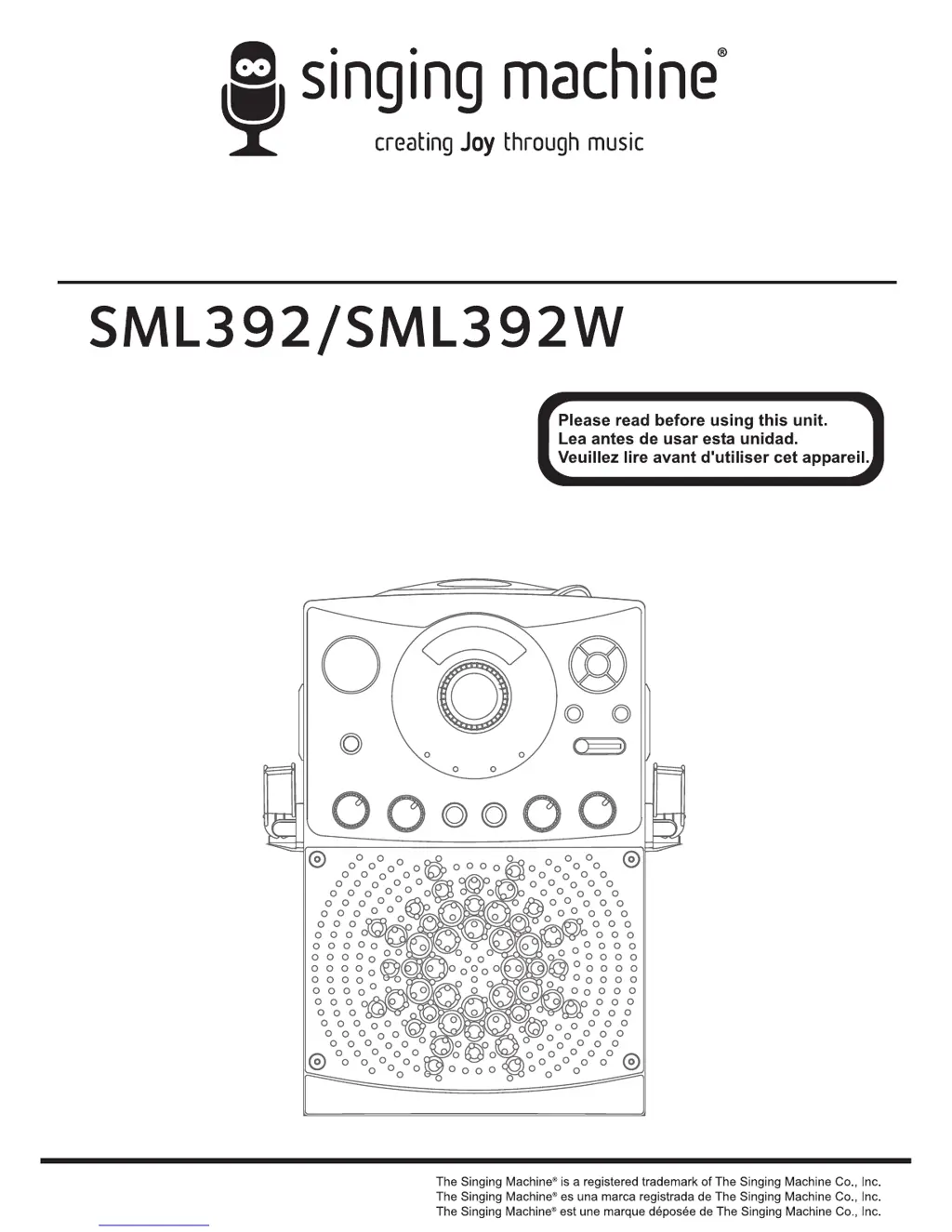
Compact Disc + Graphics
with Built-In Disco Light
Karaok Center
CD+Dise os con
Centro de Karaok con
Luces de Discoteca
Compact Disque + Graphiques
avec Centre de Lumi re Disco
Karaok encastre
Instruction Manual/Manual De Instrucción/Manuel D’instruction

Questions and Answers

  • J
    Jose JacksonAug 7, 2025
    What to do if no song lyrics appear on the TV screen with The Singing Machine Karaoke System?
    • J
      Jordan MartinAug 8, 2025
      If no song lyrics appear on the TV screen when using your Karaoke System, ensure the video cable is correctly connected from the Singing Machine's VIDEO OUT to the TV VIDEO IN. Also, check that the source selector on your TV is set to VIDEO using your TV remote. If your TV lacks a video line input, connect from the system's VIDEO OUT to the VIDEO IN on your RF Modulator, then to the TV cable input. Finally, if a CDG disc is loaded but the CDG indicator isn't lit, ensure the disc is clean.
  • R
    Russell KnightAug 12, 2025
    Why is there no sound from The Singing Machine Karaoke System when audio is going through TV or home stereo?
    • J
      Jose OrrAug 12, 2025
      If you're not getting any sound when your Karaoke System is connected to your TV or home stereo, it might be because the source selection on your TV or home stereo is not properly set. Select AUX IN as the source. Also, check the connection to your stereo system or PA to ensure it's properly connected.
  • A
    Angela BrooksAug 15, 2025
    What to do if The Singing Machine Karaoke System CD player cannot work normally?
    • D
      dcarterAug 15, 2025
      If your Karaoke System's CD player isn't working correctly or displays 'aai', 'aa', or 'aaa', try these steps: Ensure the disc is inserted correctly, with the label facing up. If the disc is dirty, wipe it clean with a soft cloth. If the disc is scratched or warped, use a new one. Use only discs bearing a standard logo. If the lens is dirty, use a CD lens cleaner. If moisture has formed inside the CD deck, wait 20-30 minutes for it to dry out. As a last resort, disconnect the machine from the power source for 30 seconds to reset it.
  • R
    reyesshaunAug 20, 2025
    How to fix no sound on The Singing Machine Karaoke System?
    • R
      Randy AdamsAug 20, 2025
      If there is no sound coming from your Karaoke System, first, make sure the volume control isn't set to the minimum; turn it up. If you're using a TV or PA system, check that its volume control isn't set to minimum and that the power is turned on. If using AUX OUT jacks, follow the audio connection instructions.
  • T
    Tasha RiosAug 25, 2025
    How to fix no sound from the mic on The Singing Machine Karaoke System?
    • K
      Kim ShortAug 25, 2025
      If you're not getting any sound from the microphone on your Karaoke System, first adjust the mic volume to the maximum, and then readjust it to a comfortable level. Also, make sure the microphone is turned on using the ON/OFF switch located on the microphone.
  • E
    Edward BryantAug 29, 2025
    What to do if The Singing Machine Karaoke System has no power when plugged in?
    • A
      aliciatorresAug 29, 2025
      If your Karaoke System has no power when plugged in, the AC outlet may not have power. Check the outlet with a working lamp or other electrical appliance.
  • M
    Maria LeeSep 2, 2025
    What to do if The Singing Machine Karaoke System has no power when POWER is on?
    • K
      Kimberly DaviesSep 2, 2025
      If your Karaoke System isn't powering on even when the POWER switch is on, ensure the power plug is properly inserted into the AC outlet.

The Singing Machine SML392 Specifications

General IconGeneral
BrandThe Singing Machine
ModelSML392
Product TypeKaraoke System
DisplayLED
Microphone Inputs2
ConnectivityBluetooth
Audio OutputRCA
Power SourceAC Adapter
USB PortYes
SD Card SlotYes
FM RadioYes
Battery OperatedNo
Microphone1 x Microphone
FeaturesEcho Control

Related product manuals