EasyManua.ls Logo

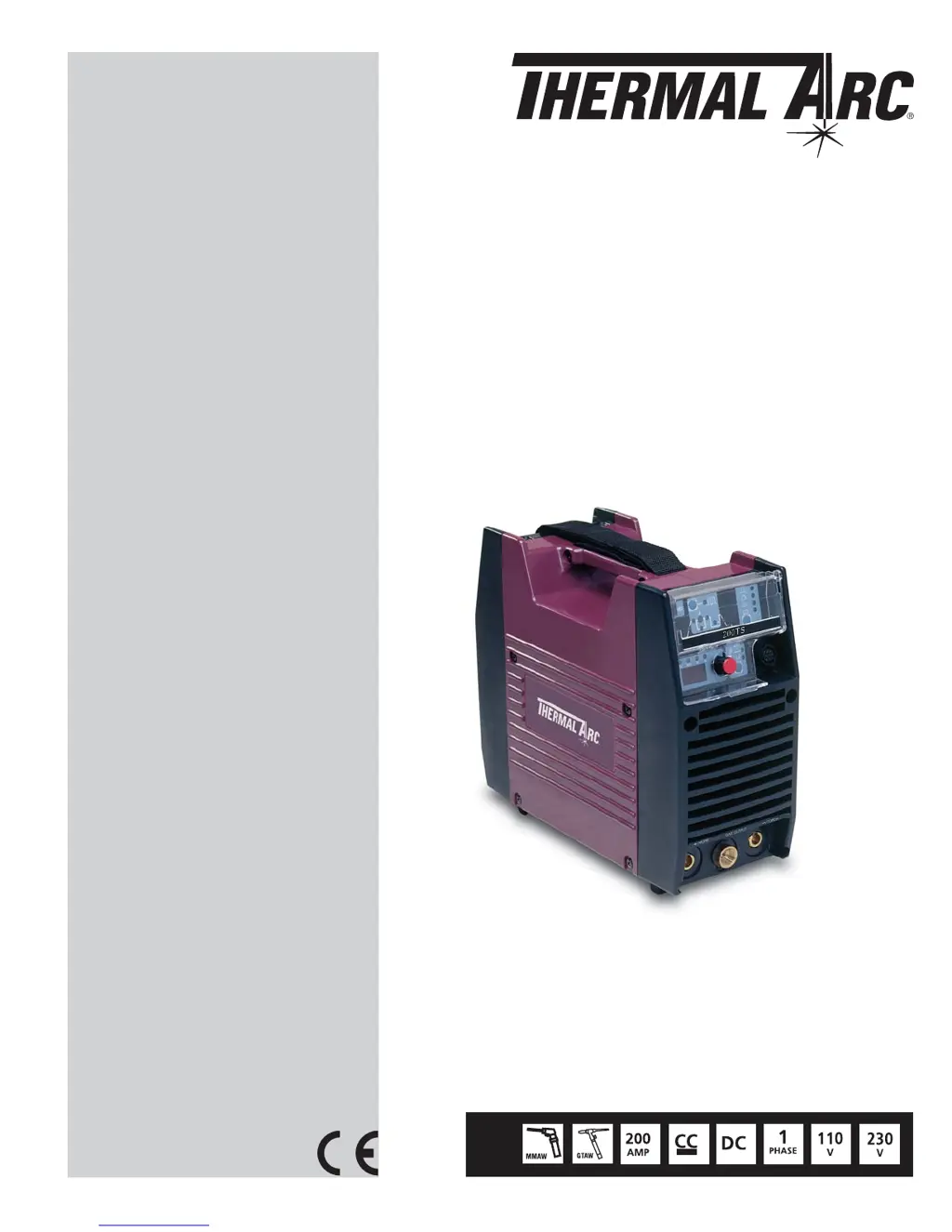
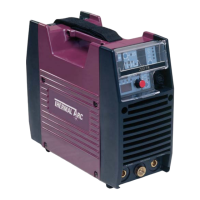
Thermal Arc ARCMASTER 200 TS - User Manual

Thermal Arc ARCMASTER 200 TS
96 pages
Print Icon
To Next Page IconTo Next Page
Loading...
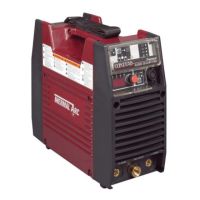
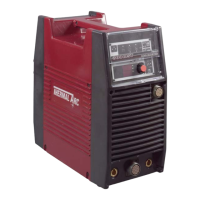
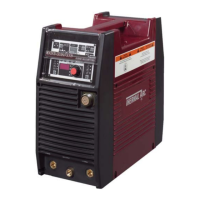
INVERTER ARC WELDER
Revision No: AB Issue Date: May 7, 2008 Manual No.: 0-4941B
Operating Features:
200 TS
Service Manual
Art # A-06912
ARCMASTER
®

Table of Contents

Questions and Answers

  • K
    Kimberly JacksonSep 8, 2025
    Why does the electrode melt when the arc is struck on my Thermal Arc ARCMASTER 200 TS?
    • E
      ethancarrollSep 8, 2025
      If the electrode melts when the arc is struck with your Thermal Arc Welding System, it could be because the electrode is connected to the '+' terminal or the WAVE BALANCE is greater than 50%. To solve this, connect the electrode to the '-' terminal and reduce the WAVE BALANCE to below 50% or increase the electrode size.
  • T
    Tyler CruzAug 23, 2025
    How to prevent gas pockets or voids (porosity) in welds with my Thermal Arc ARCMASTER 200 TS?
    • S
      scotthillAug 23, 2025
      If you're experiencing gas pockets or voids (porosity) in the weld metal when using your Thermal Arc Welding System, it could be due to damp electrodes, welding current that is too high, or surface impurities like oil, grease, or paint. To fix this, ensure you dry the electrodes before use, reduce the welding current, and thoroughly clean the joint before welding.
  • L
    Lawrence SkinnerAug 25, 2025
    What to do if the welding arc cannot be established on my Thermal Arc ARCMASTER 200 TS?
    • S
      Stefanie PetersenAug 26, 2025
      If the welding arc cannot be established with your Thermal Arc Welding System, it could be due to several reasons: A) The primary supply voltage is not switched ON. B) The Welding Power Source switch is switched OFF. C) There are loose connections internally. To resolve this: A) Switch ON the Primary supply voltage. B) Switch ON the Welding Power Source. C) Have an Accredited Thermal Arc Service Agent repair the connection.
  • D
    Debbie WilliamsAug 27, 2025
    How to improve poor weld finish with my Thermal Arc ARCMASTER 200 TS Welding System?
    • P
      Philip WilsonAug 27, 2025
      If you notice a poor weld finish with your Thermal Arc Welding System, it's likely due to inadequate shielding gas. Increase the gas flow or check the gas line for any problems that might be restricting gas flow.
  • J
    Joshua MunozAug 27, 2025
    How to fix excessive beard build-up or poor penetration in my Thermal Arc ARCMASTER 200 TS?
    • B
      blakerogerAug 27, 2025
      If you experience excessive beard build-up, poor penetration, or poor fusion at the edges of the weld with your Thermal Arc Welding System, it's likely because the welding current is too low. To fix this, increase the weld current and ensure proper joint preparation.
  • T
    Tara TorresSep 23, 2025
    Why are cracks appearing in the weld metal after solidification on my Thermal Arc ARCMASTER 200 TS Welding System?
    • S
      Steven PhillipsSep 23, 2025
      If a crack occurs in the weld metal soon after solidification commences with your Thermal Arc Welding System, it could be due to the rigidity of the joint, insufficient throat thickness, or a cooling rate that is too high. To address this, redesign the joint to relieve severe stresses or use crack resistance electrodes, travel slightly slower to allow greater build up in the throat, and preheat the plate and cool slowly.
  • M
    martineznicoleSep 15, 2025
    Why is there a gap in the weld root with my Thermal Arc ARCMASTER 200 TS Welding System?
    • S
      snydercarrieSep 15, 2025
      If a gap is left because the weld metal fails to fill the root of the weld when using your Thermal Arc Welding System, it could be due to several reasons: the welding current is too low, the electrode is too large for the joint, there is insufficient gap, or an incorrect sequence is being used. To fix this, increase the welding current, use a smaller diameter electrode, allow a wider gap, and use the correct build-up sequence.
  • L
    laurawattsSep 16, 2025
    Why aren't portions of the weld fusing to the metal surface with my Thermal Arc ARCMASTER 200 TS Welding System?
    • R
      Richard FordSep 16, 2025
      If portions of the weld run do not fuse to the surface of the metal or edge of the joint when using your Thermal Arc Welding System, it could be due to several reasons: small electrodes used on heavy cold plate, welding current is too low, wrong electrode angle, travel speed of electrode is too high, or scale or dirt on joint surface. To resolve this, use larger electrodes and pre-heat the plate, increase welding current, adjust the electrode angle, reduce travel speed of electrode, and clean the surface before welding.
  • S
    Samantha RichardsonSep 6, 2025
    Why is there uneven leg length in fillet joint when using my Thermal Arc ARCMASTER 200 TS Welding System?
    • W
      William MillerSep 6, 2025
      If you observe uneven leg length in a fillet joint with your Thermal Arc Welding System, it's likely due to incorrect placement of the filler rod. Re-position the filler rod to ensure even leg length.
  • B
    Brenda FosterSep 4, 2025
    Why does the welding current reduce while welding with my Thermal Arc ARCMASTER 200 TS Welding System?
    • J
      Jordan SharpSep 4, 2025
      If the welding current reduces while welding with your Thermal Arc Welding System, several factors could be responsible: loose welding cable connections, incorrect welding cable size, improper input connections, poor electrode condition or wrong welding polarity. To address this, tighten all welding cable connections, use the proper size and type of cable, refer to Section 2.05 Electrical Input Requirements, replace the electrode, and verify output torch connections.

Summary

SAFETY INSTRUCTIONS AND WARNINGS

Arc Welding Hazards and Electrical Safety

Details electrical shock, arc ray hazards, and safety measures.

Fumes, Gases, and Fire Safety

Covers hazardous fumes, gases, fire/explosion risks from welding.

INTRODUCTION

How To Use This Manual

Explains manual structure, annotations (WARNING, CAUTION, NOTE), and how to get more copies.

INSTALLATION

Electrical Input Requirements

Details the single-phase AC power supply requirements.

Electrical Input Connections

Procedures for safely connecting the welder to the power supply.

Input Power and Power Supply Details

Explains the inrush circuit, voltage sensing, and generator use for input power.

Duty Cycle Explanation

Defines duty cycle and its impact on welder operation and potential damage.

OPERATOR CONTROL

Control Panel Overview

Identifies and describes the front panel controls, including the digital meter and knob.

Weld Process Selection

Explains how to select different welding processes (STICK, MIG, TIG) and modes.

Weld Parameter Descriptions

Details the function of each adjustable parameter on the front panel.

Weld Parameters and Settings

Lists the available weld parameters, their ranges, factory settings, and applicable weld modes.

SET-UP FOR SMAW (STICK) AND GTAW (TIG)

SEQUENCE OF OPERATION

Stick Welding Sequence

Step-by-step guide for setting up and performing stick welding.

TIG Welding Sequences (HF & Lift)

Instructions for setting up and performing HF TIG and Lift TIG welding.

BASIC TROUBLESHOOTING

TIG Welding Problems and Solutions

Lists common TIG welding quality issues and their causes/remedies.

Stick Welding Problems and Solutions

Identifies common stick welding defects and provides troubleshooting steps.

Power Source Problems and Solutions

Troubleshooting guide for common power source operational failures.

VOLTAGE REDUCTION DEVICE (VRD)

POWER SOURCE ERROR CODE

Error Code Descriptions and Remedies

Explains common error codes displayed by the power source and provides troubleshooting steps.

ADVANCED TROUBLESHOOTING

System-Level Fault Isolation and Enclosure Opening

Guides on isolating faults to subsystems and safely opening the unit.

Error Code Verification and Remedy

Procedures for verifying and resolving specific error codes (E01, E02, E03, E94, E99).

Troubleshooting Failures Without Error Codes

Steps for issues not indicated by codes (fan, gas valve).

No Weld Output and Panel Failure Diagnosis

Troubleshooting steps for no weld output and operating panel failures.

High Frequency Output Failure Diagnosis

Steps to troubleshoot when the unit does not generate High Frequency output.

Fault Isolation Tests and Preparation

Initial conditions and preparation steps for performing fault isolation tests.

Power Input Circuitry Verification

Steps to verify AC input voltage.

MAINTENANCE

APPENDIX 3 INTERCONNECT DIAGRAM

Thermal Arc ARCMASTER 200 TS Specifications

General IconGeneral
Input Voltage230 V
Input Frequency50/60 Hz
Rated Input Current16 A
Output Current Range (TIG)10 - 200 A
Duty Cycle (TIG)60% at 200 A
Duty Cycle (MMA)60% at 200 A
Input PhaseSingle Phase
Rated Output200 A

Related product manuals