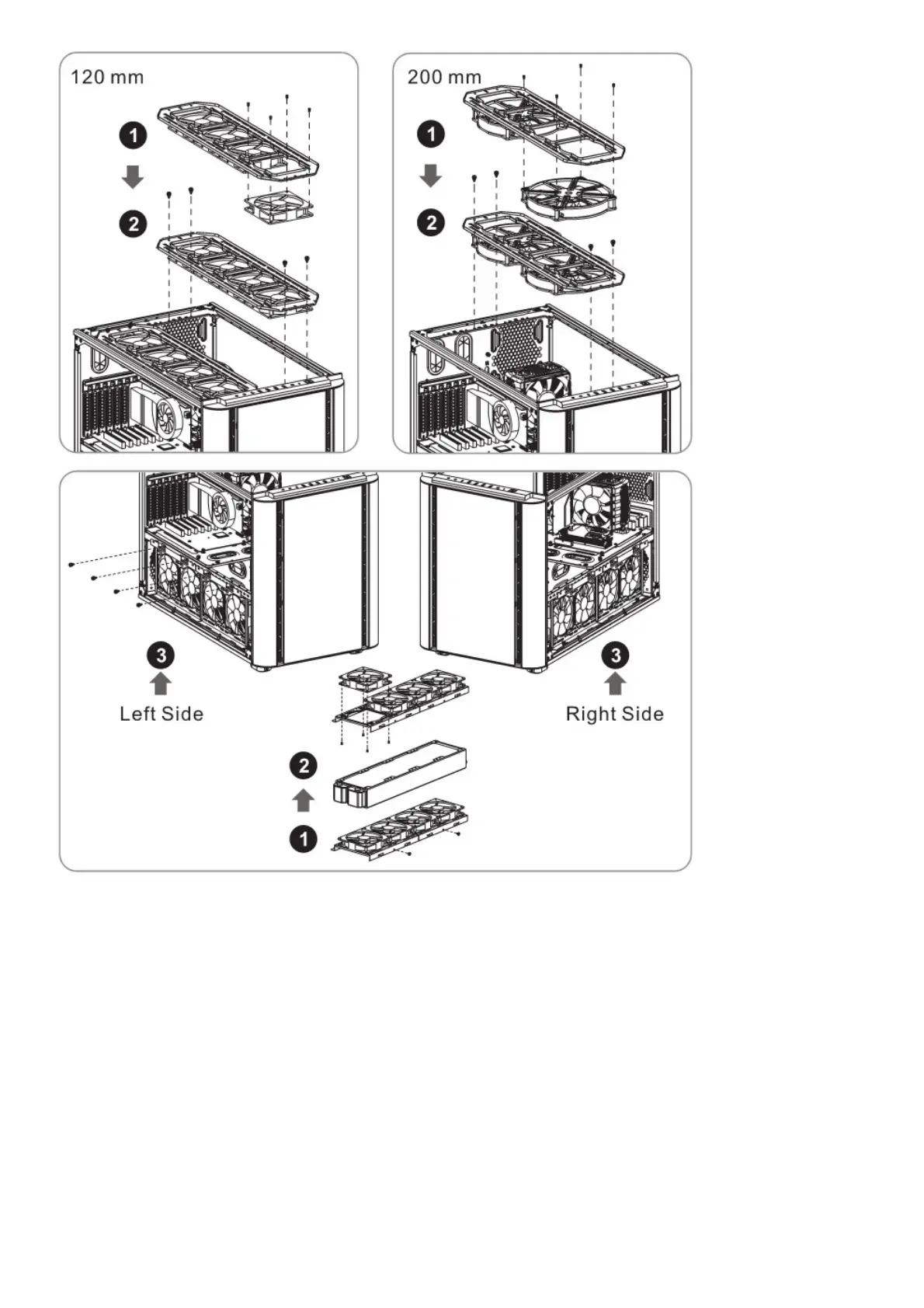
Leads Installation
Leads Installation Guide
Case LED Connection / On the front of the case, you can find some LEDs and switch leads. Please consult your
user manual of your motherboard manufacturer, then connect these leads to the panel header on the motherboard.
USB 2 .0 Connection / Please consult your motherboard manual to find out the section of “USB connection”.
USB 3.0 connection /
1. Make sure your motherboard supports USB 3.0 connection.
2. Connect the USS 3.0 cable to the available USB 3.0 port on your computer.
Audio Connection / Please refer to the following illustration of Audio connector and your motherboard user manual.
Please select the motherboard which used AC’97 or HD Audio(Azalia),(be aware of that your audio supports AC’97
or HD Audio (Azalia)) or it will damage your device(s).






 To Next Page