
 Need help?
Do you have a question about the Thermaltake Level 10 and is the answer not in the manual?
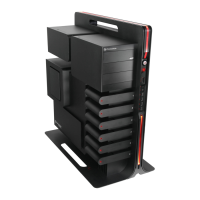
Key product specifications, including dimensions, weight, and cooling system details.
List and usage of included accessories for system assembly.
Critical physical constraints for CPU cooler height and VGA card length.
Instructions for safely removing the computer case side panel.
Procedure for correctly mounting the motherboard inside the chassis.
Steps for securing the power supply unit within the computer case.
Guide for installing optical drives or other 5.25-inch bay devices.
Steps for mounting 3.5" and 2.5" hard disk drives into the case.
Procedure for installing expansion cards into the PCI slots.
Connecting the 4-pin power supply plug to the PCB for LED illumination.
Connecting front panel LEDs and switches to motherboard headers.
Guide for connecting front panel USB 2.0 ports to the motherboard.
Connecting front panel audio jacks to motherboard (AC'97/HD Audio).
Information on optional Thermaltake power supply series compatibility.
 General
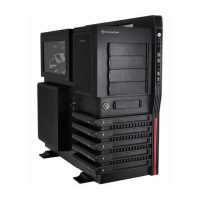
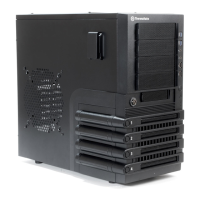
| Type | Full Tower |
|---|---|
| Color | Black |
| Material | Aluminum |
| Motherboard Support | Micro ATX, ATX, Extended ATX |
| Power Supply | Not included |




 To Next Page