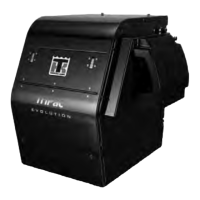
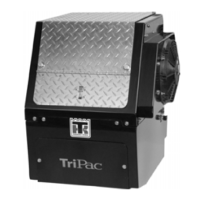
TriPac HMI Controller Description and Operation
24
TriPac HMI Controller Description
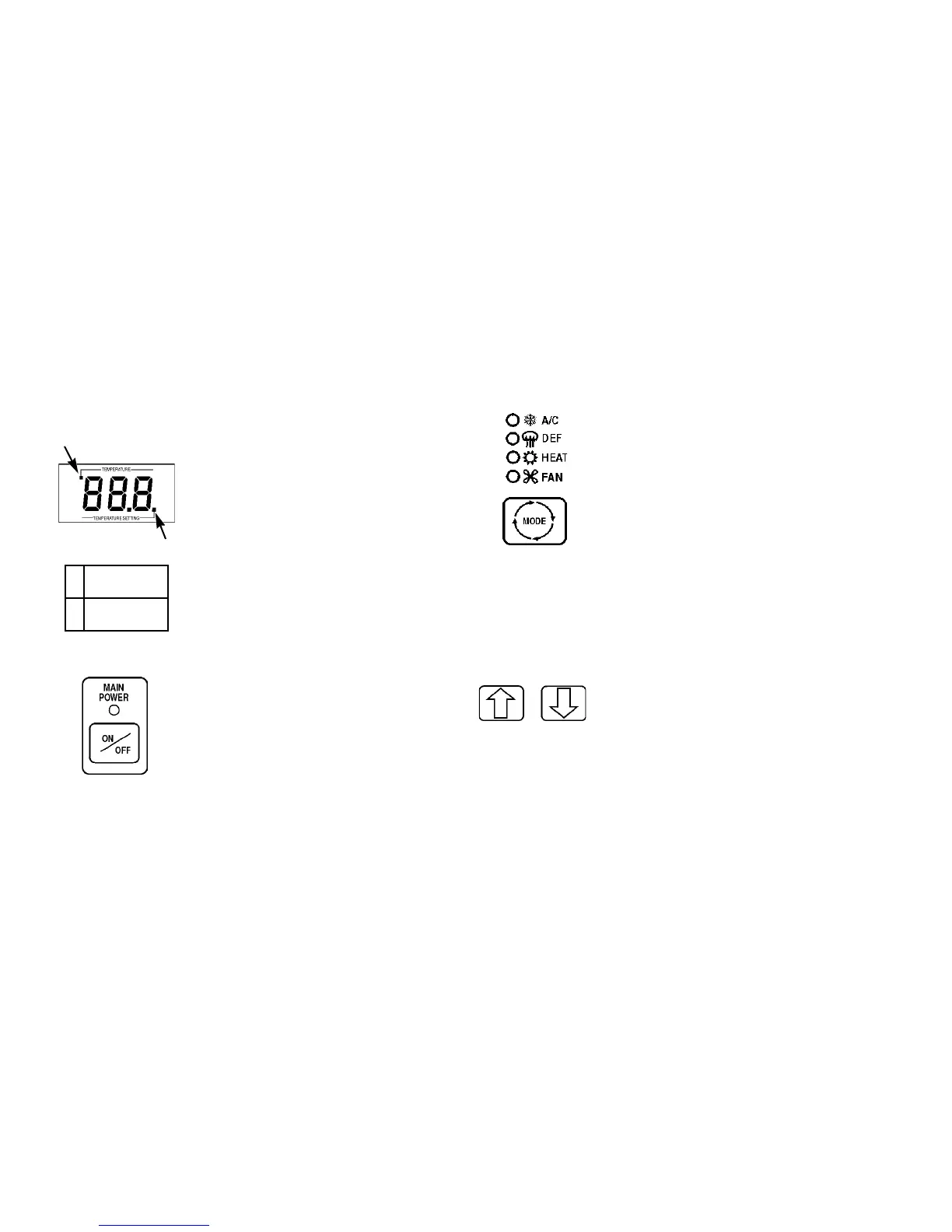
HMI Controller Display
The HMI Controller Display is used to
indicate temperature setpoint, alarm
codes, hourmeter reading, and other
information. The LED indicator at lower
right will be illuminated when the sleeper
cab temperature setpoint is displayed.
The LED indicator at upper left will be
illuminated when the inside or outside
temperature is displayed..
Main Power Key
The HMI Controller Main Power Key is
used to turn the TriPac system on and off
from the sleeper compartment. The green
LED indicator is illuminated when the
TriPac system is turned on..
Mode Key
The HMI Controller Mode Key is used to
select the desired operating mode. When
the TriPac system is turned on the mode
will default to the setting last used. A/C
(air conditioning), Fan and Heat modes are
selected by pressing the Mode key. (“DEF”
is not used.) A Monitor (Null) mode will
occur when no LEDs are illuminated. This
allows the unit to monitor the battery
voltage, and optionally the coolant
temperature, without monitoring the truck
cab temperature.
Up and Down Arrow Keys
The HMI Controller Up and Down Keys
are used to raise and lower the temperature
setpoint in the display. Each press of the
Up or Down key will raise or lower the
setpoint temperature by one degree. The
display will scroll up or down if the Up or
1
2
1. Cab Setpoint
Temp LE D
2. Inside/Outside
Temp LE D



 To Next Page