EasyManua.ls Logo

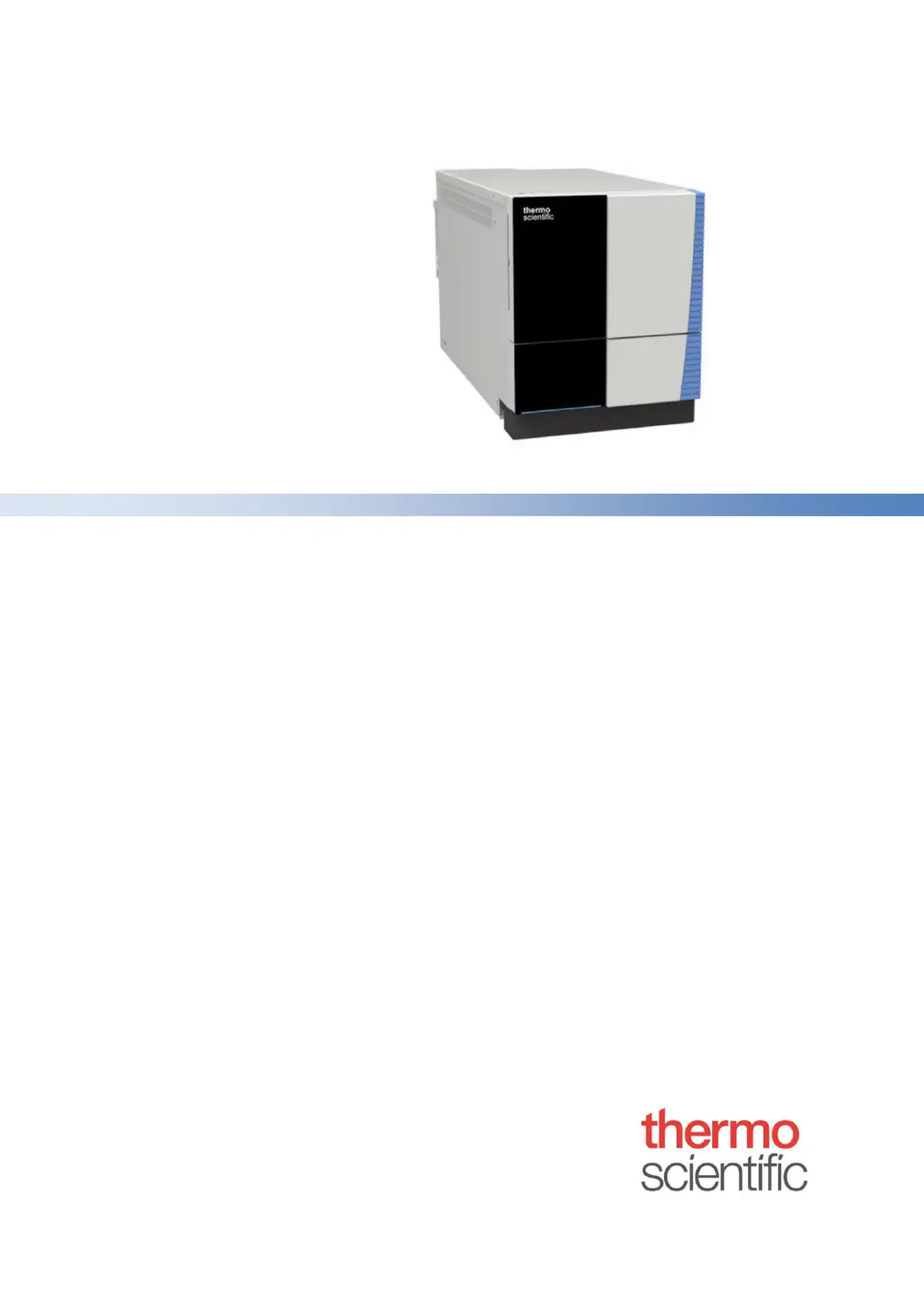
Thermo Scientific ISQ EM - User Manual

Thermo Scientific ISQ EM
232 pages
Print Icon
To Next Page IconTo Next Page
Loading...
ISQ EC and ISQ EM
Mass Spectrometer
Operating Manual
1R120591-0002 Revision E February 2019

Table of Contents

Other manuals for Thermo Scientific ISQ EM

Questions and Answers

  • J
    Jessica PaulJul 25, 2025
    What to do if autotune fails after running for a while on Thermo Scientific Laboratory Equipment?
    • A
      adamsmichaelJul 25, 2025
      If the Thermo Scientific Laboratory Equipment system fails autotune with a message indicating a spray stability check failure, examine the liquid connections for any leaks. Also, ensure that the electrospray needle is correctly adjusted. Unstable flow rates from the liquid pump can also cause this; AXP pumps need high back pressures for stable flow, so install backpressure coils between the pump and the instrument.
  • J
    James TrevinoJul 31, 2025
    Why does autotune fail at the beginning on Thermo Scientific Laboratory Equipment?
    • L
      Lance RogersJul 31, 2025
      Autotune may fail at the beginning if the chromatograph is not set to 50 µL/min. Without sufficient liquid flow from the chromatograph, the calibrant won't be pushed into the ion source, causing the autotune to fail.
  • H
    Hannah JacksonAug 4, 2025
    What to do if the reference solution does not stop flowing after fill time in Thermo Scientific Laboratory Equipment?
    • D
      Daniel RussellAug 4, 2025
      If the reference solution continues to flow after the fill time in your Thermo Scientific Laboratory Equipment, it might be due to the bottle not depressurizing because the frit on the valve of the calibrant delivery system is clogged. This valve is located on the gas control module under the main power supply inside the instrument. Alternatively, the waste line may be inserted too far down the drain tube, causing a siphoning effect.
  • K
    Kelly WalkerAug 9, 2025
    What to do if reference solution is not flowing down the drain during fill time in Thermo Scientific Laboratory Equipment?
    • K
      Krista ReidAug 9, 2025
      If the reference solution isn't flowing down the drain or is flowing too slowly during fill time on your Thermo Scientific Laboratory Equipment, check the clear plastic pressurization line, green PEEK, or calibrant loop for kinks. Also, verify that the ferrules on the green PEEK tubing are not overtightened.
  • A
    Aaron BaileyAug 14, 2025
    What to do if reference solution is not flowing down the drain during fill time on Thermo Scientific Laboratory Equipment?
    • L
      louismooreAug 14, 2025
      If the reference solution isn't flowing down the drain during fill time for your Thermo Scientific Laboratory Equipment, try replacing the calibrant bottle. Ensure the tubing's position is near the bottom of the bottle, but not touching it, to avoid picking up particulates that could cause clogging. Also, confirm that there is nitrogen supply to the instrument.
  • C
    cwilcoxAug 19, 2025
    How to fix leaky source gases in Thermo Scientific Laboratory Equipment?
    • B
      Brandon BradfordAug 19, 2025
      If you're experiencing leaky source gases with your Thermo Scientific Laboratory Equipment, try tightening the spray chamber pins.

Summary

Safety

Safety Symbols and Signal Words

Details safety symbols, signal words, and their meanings in the manual and on the instrument.

Intended Use

Specifies the instrument's intended applications and limitations.

Safety Precautions

Provides essential safety information for installation, operation, and maintenance.

Instrument Overview

Unpacking

Installation

Safety Guidelines for Installation

Outlines critical safety precautions and guidelines for installing the instrument.

Installing the Mass Spectrometer

Details the steps for installing and setting up the mass spectrometer hardware and software.

Site Requirements

Specifies environmental and physical requirements for the installation site.

Setting Up the Hardware

Provides instructions for setting up various hardware components, including pumps and filters.

Operation

Safety Guidelines for Operation

Provides crucial safety guidelines for operating the mass spectrometer.

Configuring the MS in Chromeleon

Details the process of configuring the mass spectrometer within Chromeleon software.

Maintenance and Service

Safety Guidelines for Maintenance and Service

Highlights safety precautions essential for performing maintenance and service.

Replacing the ESI Probe Capillaries for the ISQ EC and ISQ EM

Step-by-step instructions for replacing ESI probe capillaries.

Replacing the APCI Probe Capillaries for the ISQ EM

Instructions for replacing APCI probe capillaries on the ISQ EM.

Troubleshooting

Troubleshooting Problems with Autotune

Provides a guide to diagnose and solve common autotune issues.

Specifications

Thermo Scientific ISQ EM Specifications

General IconGeneral
Ion SourceElectron Ionization (EI)
ResolutionUnit Mass Resolution
Data Acquisition RateUp to 12, 500 u/sec
SoftwareChromeleon CDS
InletCompatible with HPLC and UHPLC
Vacuum SystemTurbomolecular pump
Power Requirements100-240 VAC, 50/60 Hz

Related product manuals