EN
gee
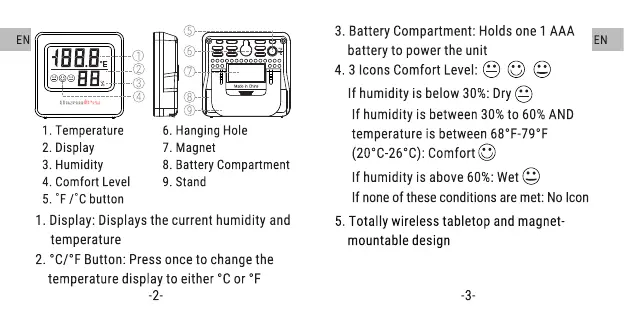
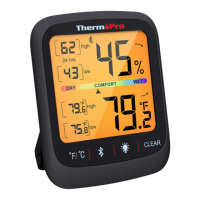
1. Temperature
2. Display
3. Humidity
4. Comfort Level
5. OFrc button
O
O
O
O
O
O
6. Hanging Hole
7. Magnet
8. Battery Compartment
9. Stand
3. Battery Compartment:Holdsone1 AAA
battery to powerthe unit
4.3 IconsComfortLevel: e
If humidity is below 30%:Dry
If humidity is between30%to 60%AND
temperatureis between680F-790F
(200c-260C):ComfortO
If humidityis above60%:Wet@
If none of these conditions are met: No Icon
5. Totally wireless tabletop and magnet-
mountable design
-3-
EN
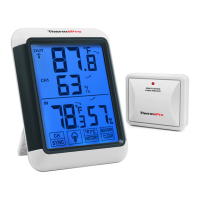
1. Display: Displays the current humidity and
temperature
2. 0C/OFButton: Press once to change the
temperature display to either oc or OF
-2-



 To Next Page