Before first use
EN
1. Insert or Replace Battery: Insert one AAA
battery in correct polarity (+) and (-) as
indicated.
2. Do not immerse product body in water.
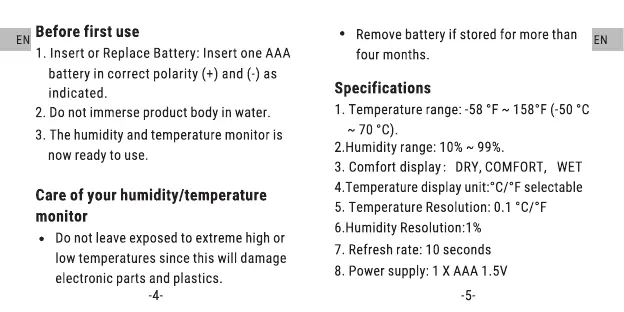
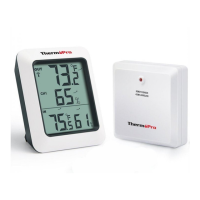
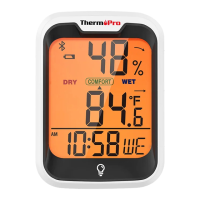
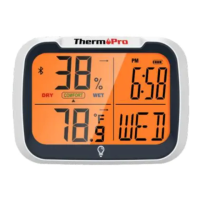
3. The humidity andtemperaturemonitor is
now ready to use.
Care of your humidity/temperature
monitor
• Donot leaveexposedto extremehigh or
low temperaturessincethis will damage
electronic parts andplastics.
-4-
• Removebatteryif storedfor morethan E
four months.
Specifications
1. Temperaturerange:-58 OF 1580F(-50 oc
70
2.Humidity range: 10% 99%.
3. Comfort display: DRY,COMFORT,WET
4.Temperature display unit:0C/0F selectable
5. TemperatureResolution:0.1 0C/OF
6.Humidity Resolution:l %
7. Refresh rate: 10 seconds
8. Powersupply: 1XAAA1.5V
-5-



 To Next Page