23
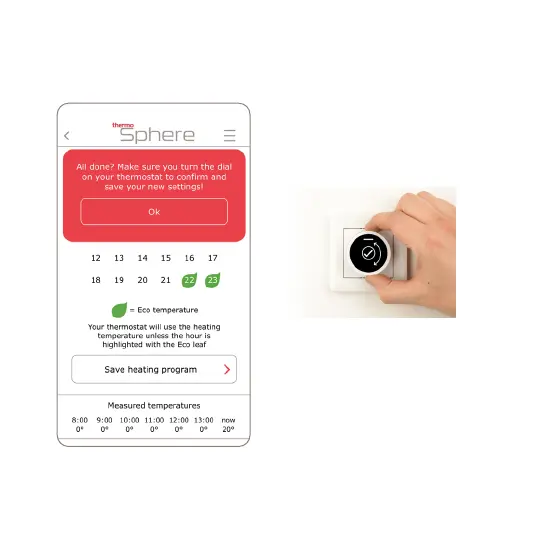
10. When you‘re done hit “Save
heating program” and press “OK”.
11. Turn the dial on your thermostat
to save the changes you just made.
Don‘t skip this step! If you
don‘t turn the dial to conrm your
settings they won‘t be saved to
your thermostat. And that would
be a real shame!



 To Next Page