18
4.Use and Operation Instruction of Wire Controller
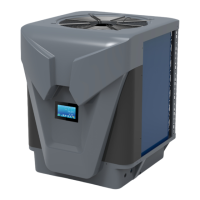
Fig.11 The left-hand menu Fig.10 My Device interface Fig.12 Add Device interface
Note: The setting of "Parameter Settings"(Fig.12) is used for after-sales maintenance only.
(3) Device Management
D
evice management operations are as below :
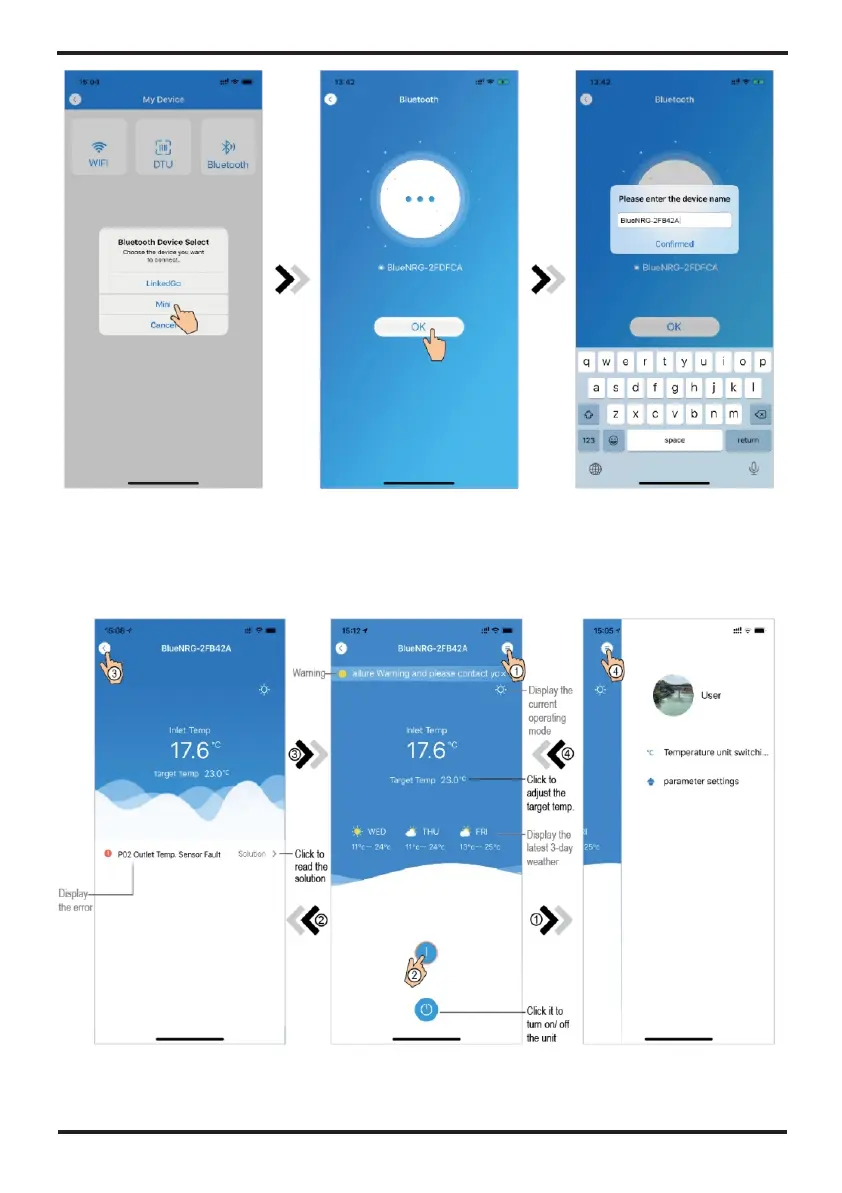
Fig.7 Device selecting interface Fig.8 Bond device done interface
Fig.9 Enter device's name interface


 To Next Page