2322 Using Your Thermapen Your Thermapen - A Guide to Better Food
Changing the Batteries
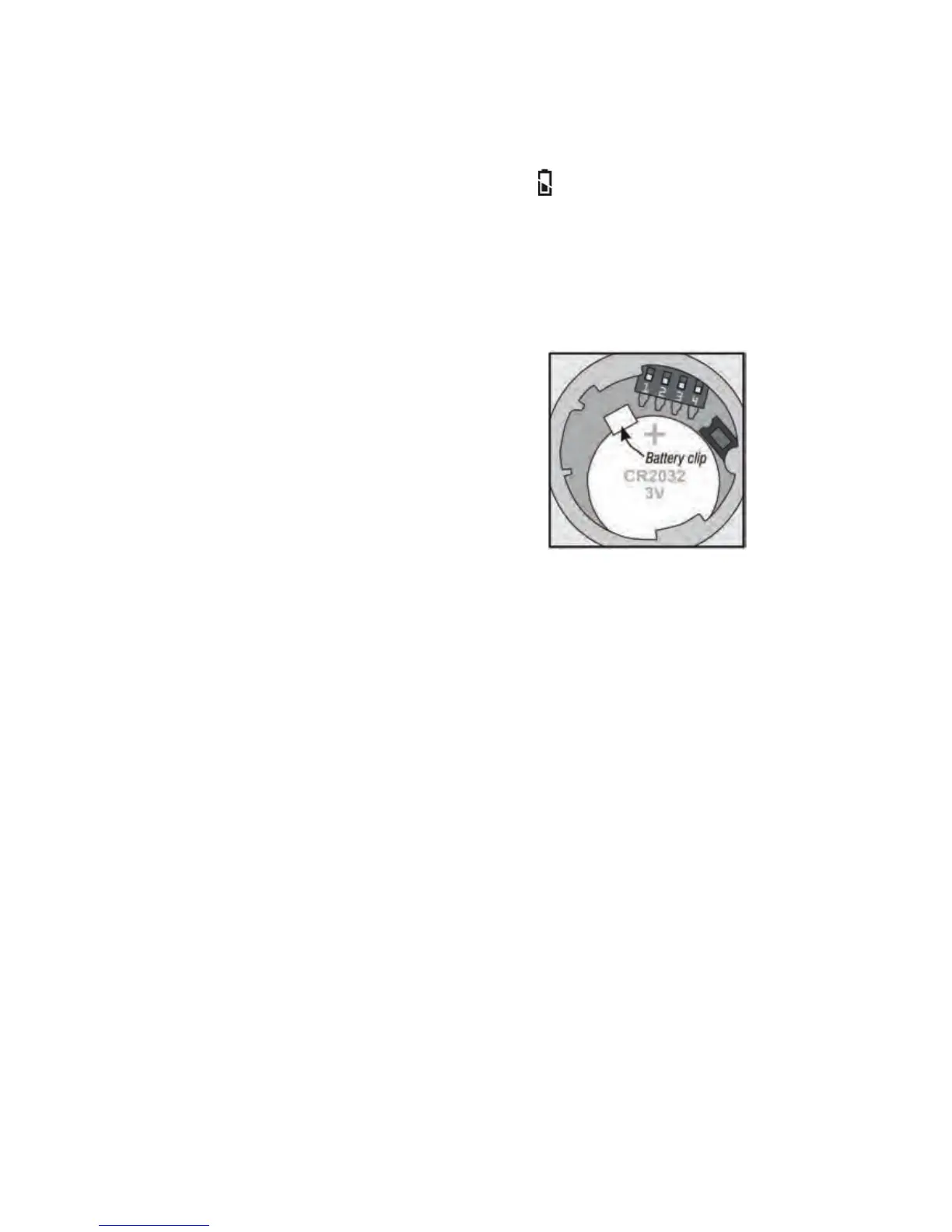
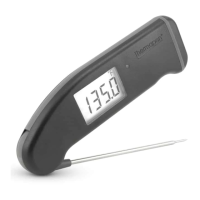
The Thermapen comes with two CR2032 (3 volt) coin cell batteries
pre-installed - enough to power your Thermapen for about 1500
hours! An illuminated battery symbol will appear when it
is time to change the batteries. The accuracy of your Thermapen
will not be compromised, but the display will stop working when
battery power is gone.*
Start by carefully removing the battery cover. Insert a coin into
the slot and using firm but even pressure, rotate the battery
cover counter-clockwise about 6 mm.**
Lift the cover from the hole with the
edge of the coin or with your fingernail.
Remove the old batteries and set both
of the new ones in, one on top of the
other, with the positive sides up. Make
sure that the metal clip provided snaps
over the batteries to hold them in place.
Carefully replace the battery cover.
Alternatively, visit our website www.thermapen.co.uk for our
step-by-step video on how to change the batteries.
* Once the batteries are too low to power the display, the display will show
'Flat Bat' and then shut off. Replace both batteries to continue using your
Thermapen.
** The battery cover may be tight in order to maintain splash resistance, but
be careful not to over-rotate. The tabs that hold the battery cover in place are
made of molded plastic and can break if forced.


 To Next Page