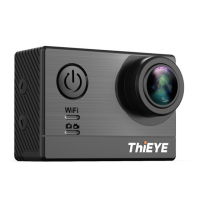
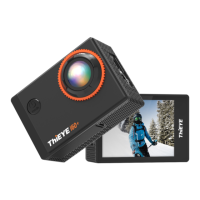
Layout
Getting Started
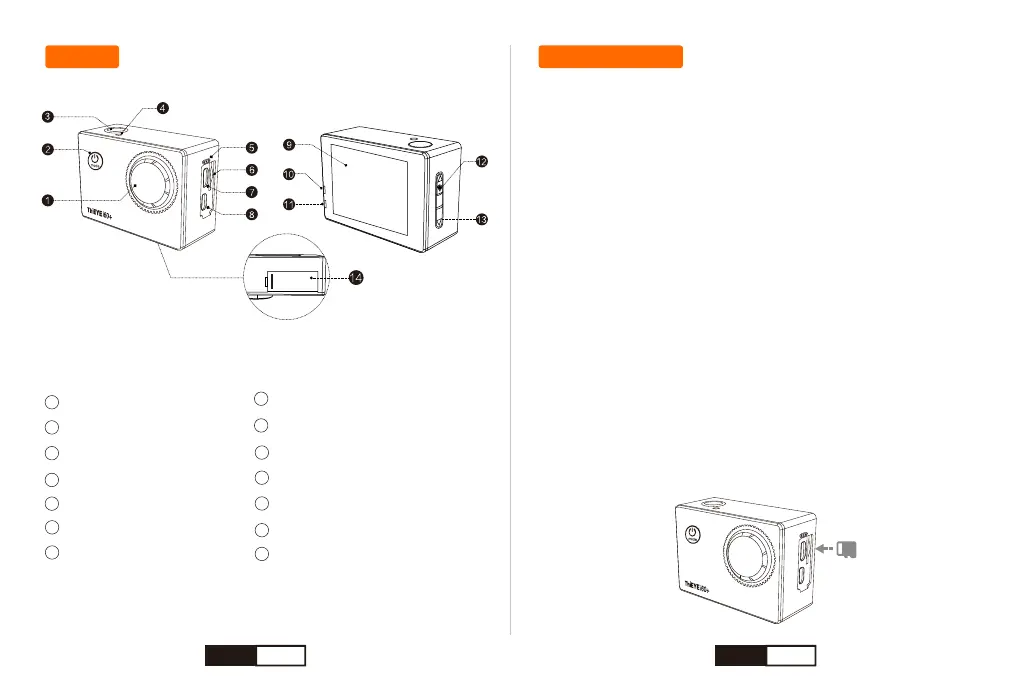
Lens
Power / Mode Button
Shutter / Select Button
WiFi Indicator Light
MIC
Micro SD Slot
USB Slot
1
2
3
4
5
6
7
8
9
HDMI Slot
2.0” LCD
Charging Indicator
Status Indicator
Up / WiFi Button
Down Button
Battery Cover
10
11
12
13
14
Welcome to your new i60+. To capture video and photos, you need a
microSD card (sold separately).
NOTICE:
* To keep your microSD card in good condition, reformat it on a regular
basis. Reformatting erases all of your content, so be sure to offload your
photos and videos first.
* To prevent loss of important data, frequently copy recorded videos
from Micro SD card to another storage device such as personal
computer.
* Use care when handling memory cards. Avoid liquids, dust and debris.
As a precaution, power off the camera before inserting or removing the
card. Check manufacturer guidelines regarding use in acceptable
temperature ranges.
Micro SD Cards
Use brand name memory cards that meet these requirements:
• microSD, microSDHC, or microSDXC
• Class 10 or UHS-I rating
• Capacity up to 128GB
EN 02 EN 03


 To Next Page