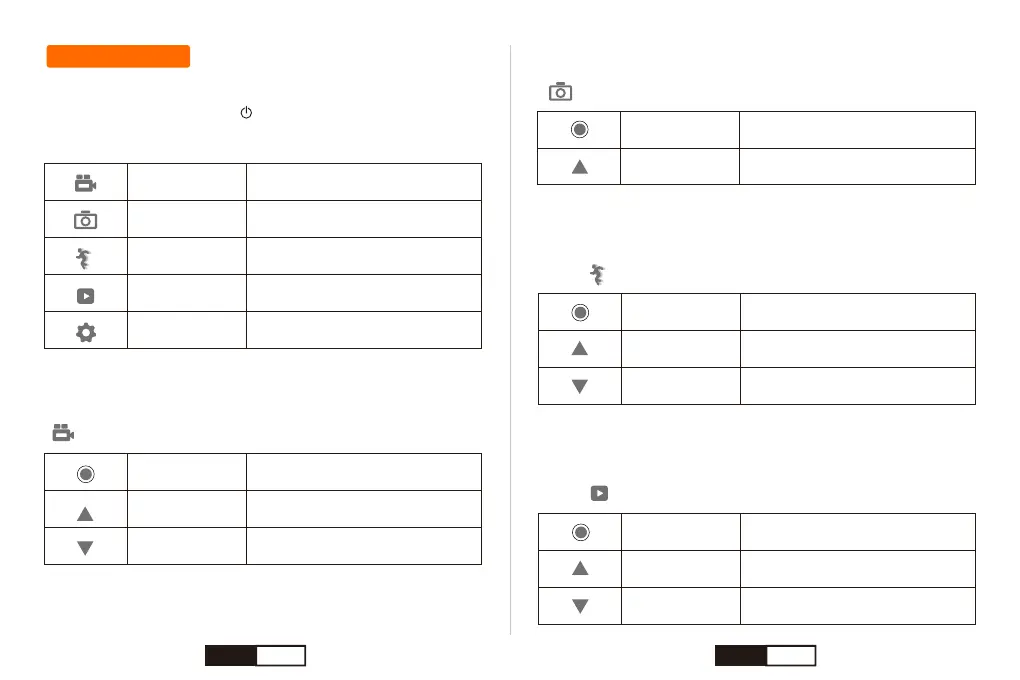
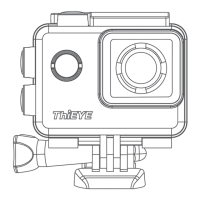
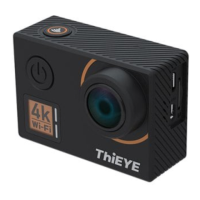
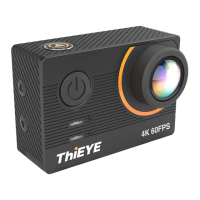
The i60+ features several camera modes. To cycle through the modes,
press the Power / Mode button “ ” repeatedly.
Video Mode
Press the Power / Mode Button repeatedly until you get to Video Mode
“ ”.
Camera Modes
These modes appear:
Video Record video
Capture a single photo
Capture a slow motion footage
Play back videos and photos
Adjust general camera settings
Photo
Slow Motion
Playback
Setup
Shutter /
Select Button
Start / Stop Recording
Turn On / Off WiFi & Display the
WiFi SSID and Password
Open / Close the Voice Recording
Up / WiFi Button
Down Button
Slow Motion Mode
Press the Power / Mode Button repeatedly until you get to Slow Motion
Mode “ ”.
Playback Mode
Press the Power / Mode Button repeatedly until you get to Playback
Mode “ ”.
Shutter /
Select Button
Start / Stop Recording
Turn On / Off WiFi & Display the
WiFi SSID and Password
Open / Close the Voice Recording
Up / WiFi Button
Down Button
Shutter /
Select Button
Play / Stop the Video
Select the Previous File
Select the Next File
Up / WiFi Button
Down Button
Photo Mode
Press the Power / Mode Button repeatedly until you get to Photo Mode
“ ”.
Shutter /
Select Button
Take a photo
Turn On / Off WiFi & Display the
WiFi SSID and Password
Up / WiFi Button
EN 08 EN 09


 To Next Page