14
2-5. Recording Videos While Driving
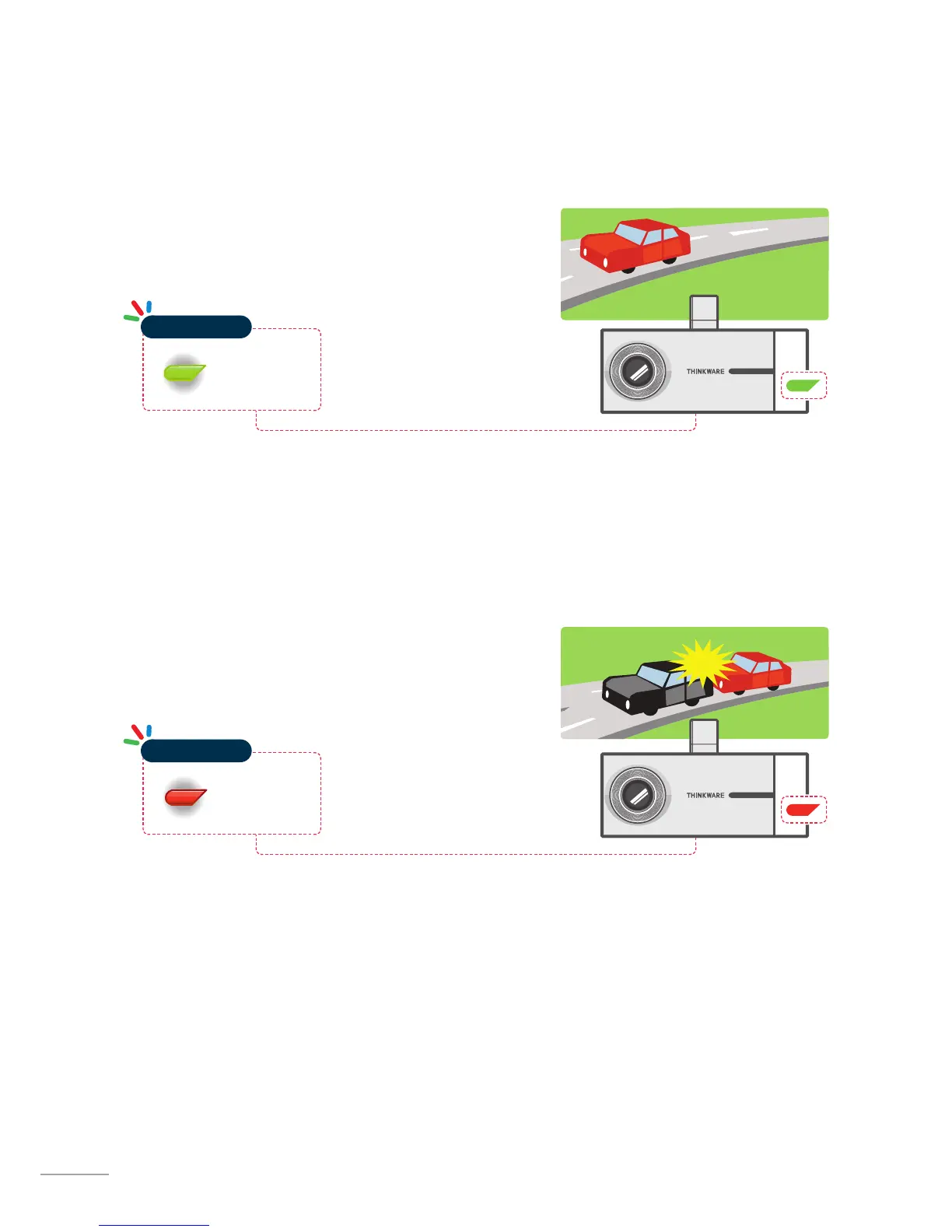
2-5-2. Incident Recording During Continuous Recording Mode
When the dash cam detects an impact, it will immediately
store the 10 seconds prior and after the impact.
The 20-second impact recording is saved at a designated
location for event recording in the MicroSD card.
2-5-1. Continuous Recording Mode
Videos are recorded in 1 minute segments and saved at a des-
ignated location for continuous recording in the MicroSD card.
Red Light ON
Operation LED


 To Next Page