WiPro III + safe.lock Installation Manual – Fiat Ducato X250, Euro 4
5
Step 5: Make connection for horn actua-
tion
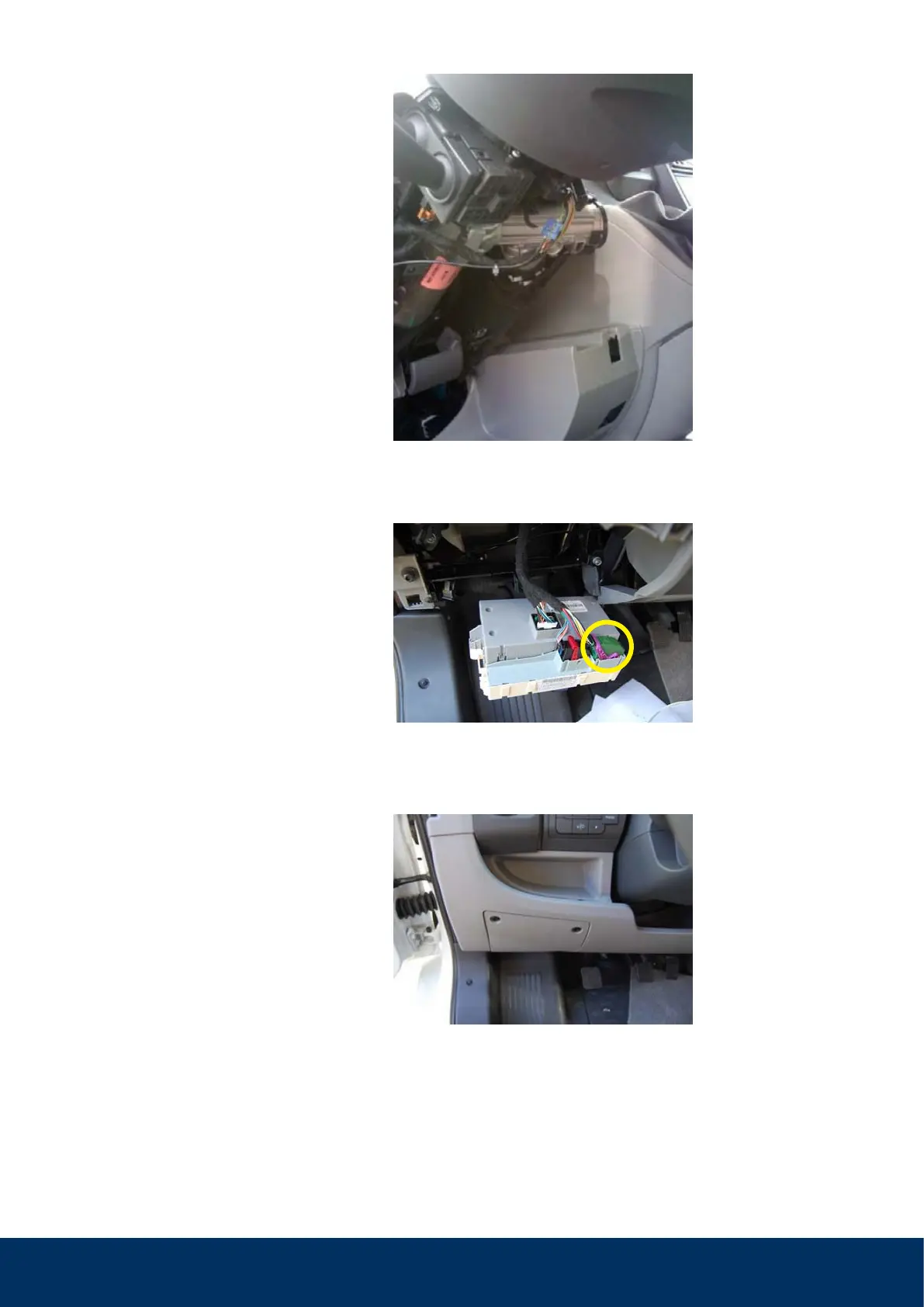
• Remove steering column cover panel (four
screws, 3mm Allen key).
• Make wiring harness under the steering
wheel accessible.
• Connect brown/green wire (pin 8) to the pink
wire on the WiPro (use blue, gel-filled branch
connector).
Step 6: Make connection to ignition
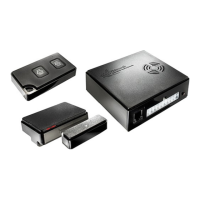
Remove the green plug on the rear side of the
on-board computer and connect the yellow
wire on the WiPro with the white/black wire
of the connector (use blue gel-filled branch
connector).
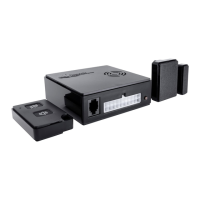
Step 7: Install status LED
Drill an 8mm hole for the LED and insert the
LED. Connect the red/black wire of the LED
with a white connector to the counterpart on
the WiPro cable set.
Note
:
A possible deviating wire colour is
green; from model year 2010 the horn wire
may possibly be green/brown.



 To Next Page