Pressing [ESC] exits the menu without applying changes.
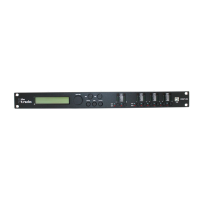
This menu is used to set the signal delay of the digital speaker management system. In the
[UTILITY] menu, select the ‘System Utilities’ option and confirm with [ENTER].
Select the ‘Delay Units’ menu item and confirm with [ENTER]. The display shows the current
setting.
Press [PM2] or [PM3] to switch between the available units of meters (m) and milliseconds (ms).
Turn [PM2] or [PM3] to set the unit required and confirm by pressing [ENTER] to apply the new
setting.
Pressing [ESC] exits the menu without applying changes.
This menu item is used to display the currently loaded software version. In the [UTILITY] menu,
select the ‘System Utilities’ option and confirm with [ENTER].
Select the ‘Software Version’ menu item and confirm with [ENTER]. The display shows the cur‐
rent software version
"System Utilities" – "Delay
Units"
"System Utilities" - "Software
Version"
Operating
DSP 26
25



 To Next Page