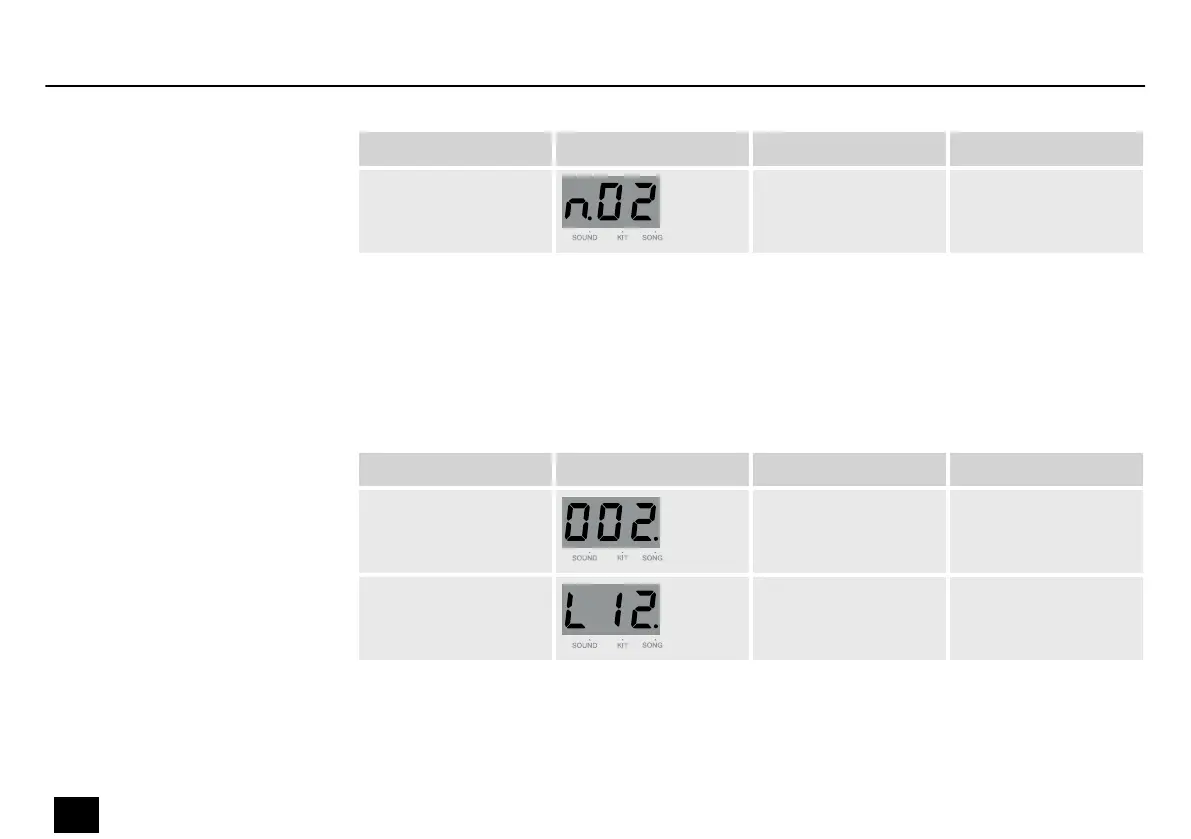
Submenu Display Area Description
MIDI Note 0…99 The MIDI Note is
transmitted via MIDI
OUT.
Press [SONG] to open the Song menu. The song indicator on the display lights up.
The display shows the current song number. Now use the adjustment wheel to select a song. If
you select song no. 1…100, the song is repeated. If you select song no. 101…110 or a user
song, the song is played once.
Submenu Display Area Description
Song number 1…110, U01…U05 Select the song
number.
Song volume 0…32 Adjust the song
volume.
Song selection
Operation
20
MD-100
Mobile Drum














 To Next Page