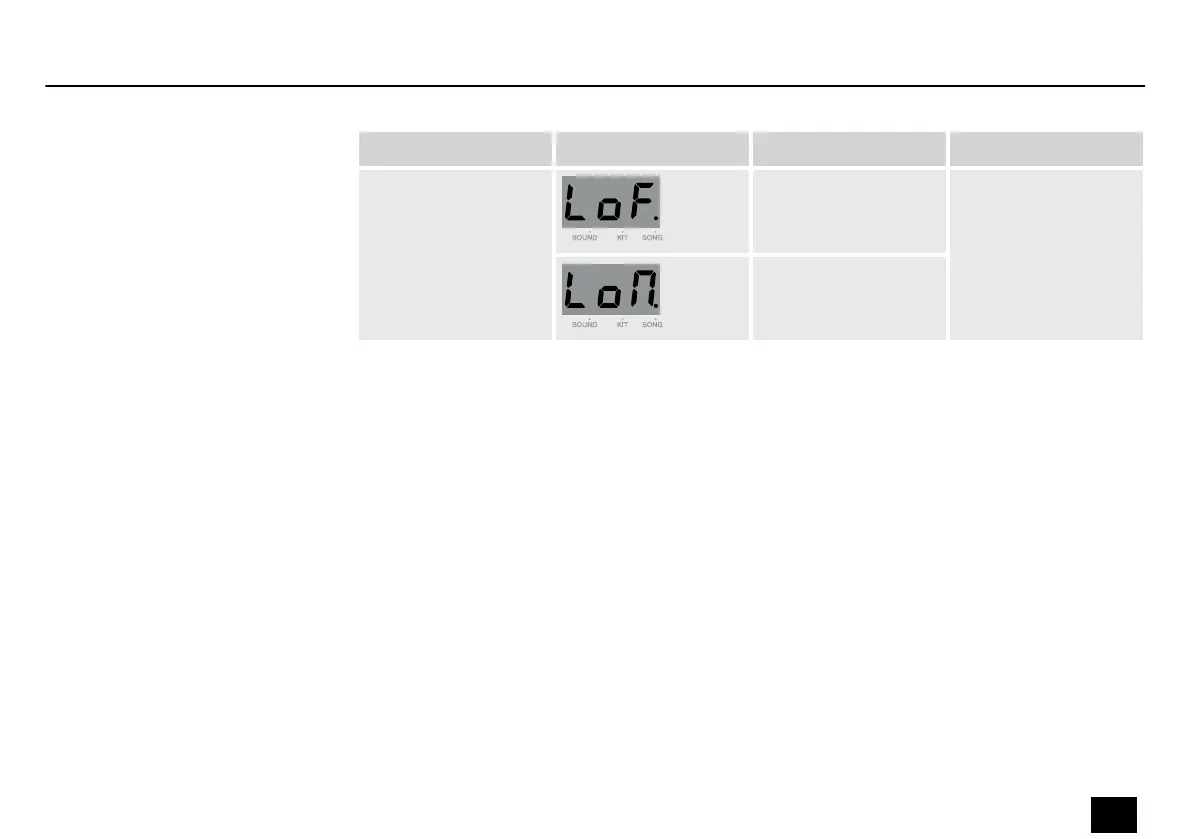
Submenu Display Area Description
PAD-LED ON/OFF OFF Switch o the pad
indicators.
[LoF]: Light o.
[Lon]: Light on.
ON
Press [PLAY / STOP] to start or stop a song. While the song is playing, three dots on the display
ash in the song tempo simultaneously with the rst beat. Use the adjustment wheel to select
a new song. The selected song is played as soon as the current song is nished.
Press [CLICK] to switch the click on or o.
Press [DRUM OFF] to mute the drums in the current song. The indicator in the button lights up.
When the drums are muted, the indicator of the respective drum pad ashes rhythmically.
Press [DRUM OFF] again to unmute the drums in the current song.
Press [CLICK] to start the click. The indicator in the button ashes rhythmically.
Press [CLICK] again to stop the click.
Song playback
Muting drums in a song
Switching the click on and o
Operation
MD-100
21
Mobile Drum














 To Next Page