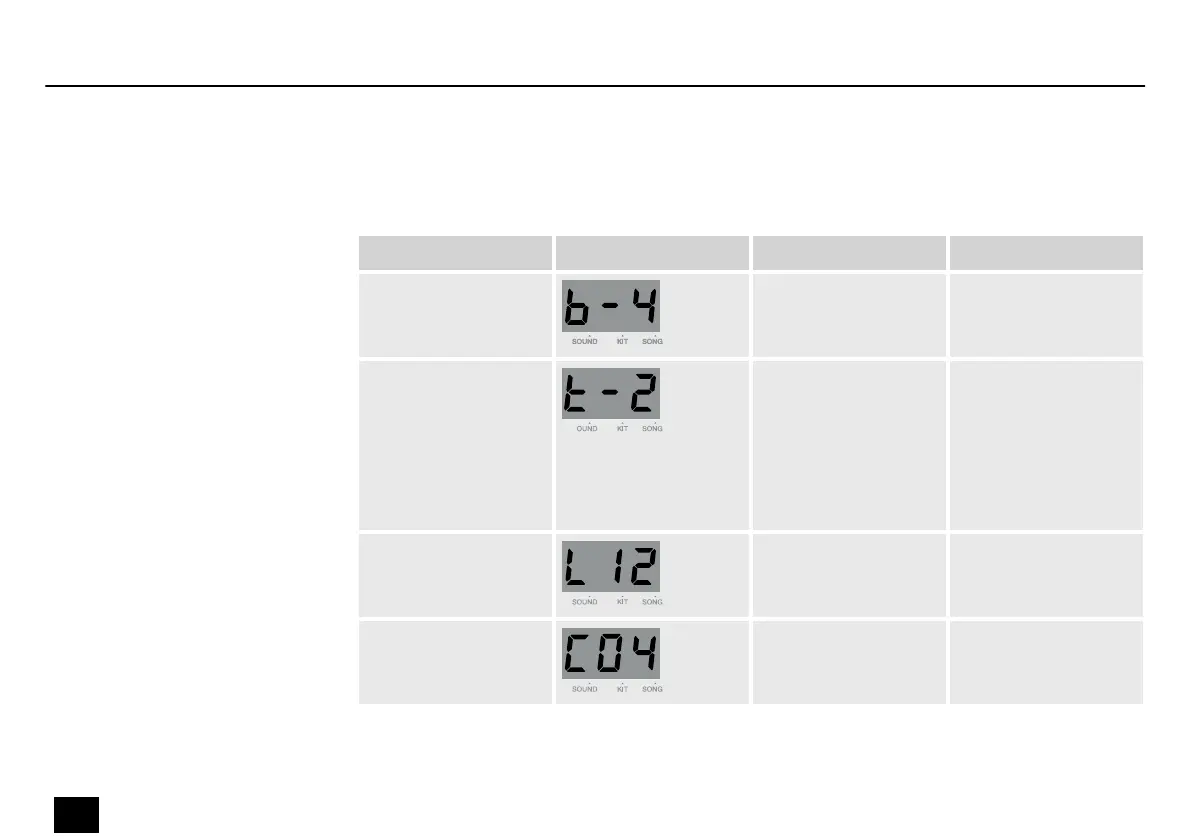
Press and hold [CLICK] to open the Click menu. The click parameters appear on the display.
Use the adjustment wheel to adjust the parameters. Press [PAGE] to open the submenu.
Submenu Display Area Description
Beat 0…9 Adjust the beat.
Rhythm type 2 (half note)
4 (quarter note)
8 (eighth note)
3 (eighth note triplet)
16 (sixteenth note)
Adjust the click
rhythm.
Volume 0…16 Adjust the click
volume.
Sound 1…6 Adjust the click
sound.
Setting click parameters
Operation
22
MD-100
Mobile Drum














 To Next Page