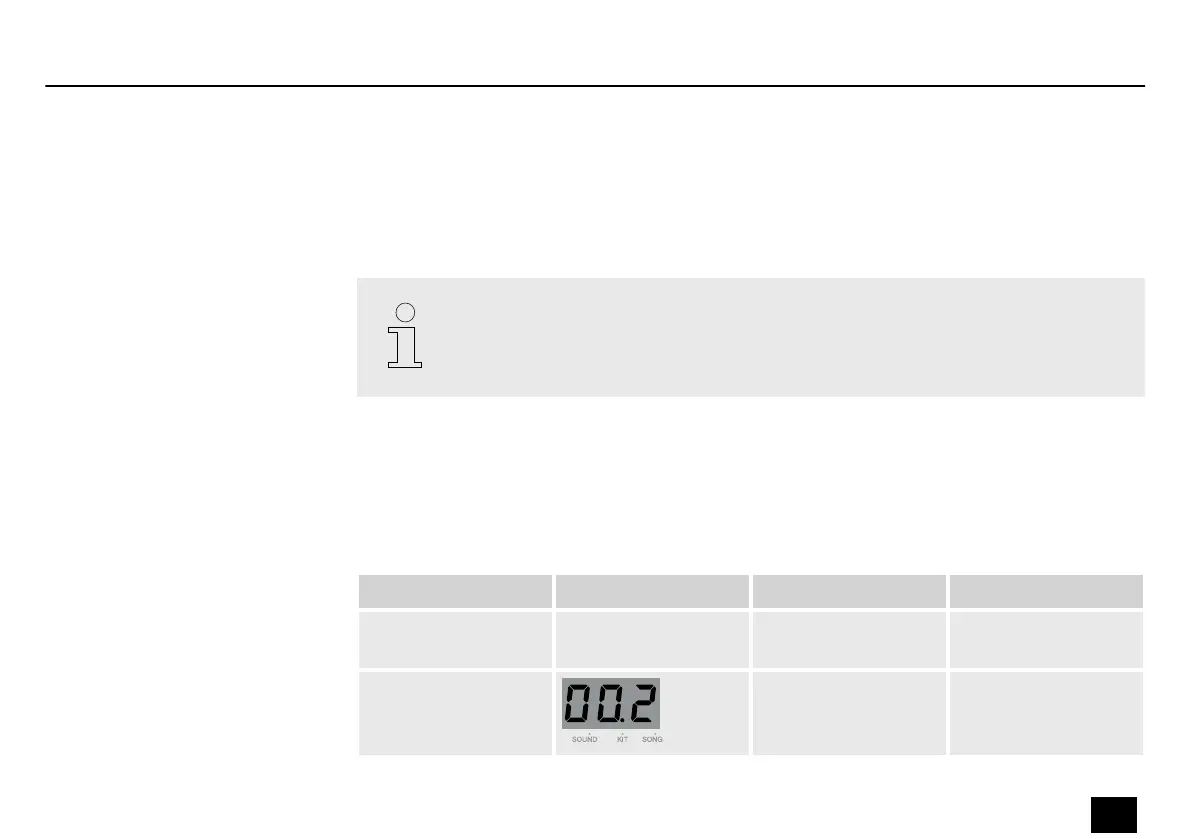
Press [TEMPO] to open the Tempo menu. The display shows the current tempo.
Change the tempo with the adjustment wheel. If you press and hold [TEMPO], the tempo of
the current song is reset.
Press a dierent menu button to exit the Tempo menu. If you do not press any button for 3
seconds, the previous menu is opened automatically.
The click tempo adapts to the current song tempo. When you change the song, the
tempo will change as well.
Press [RECORD] to switch to recording mode. The display shows “rEC”. The [RECORD] button
lights up. [PLAY/STOP] ashes.
Press [PAGE] to open the submenu. Change the parameters with the adjustment wheel.
Submenu Display Area Description
User song U01…U05 Select the user song
number.
Kit 1…80, U01…U10 Select the kit for the
recording.
Setting the tempo
Recording preparation
Operation
MD-100
23
Mobile Drum














 To Next Page