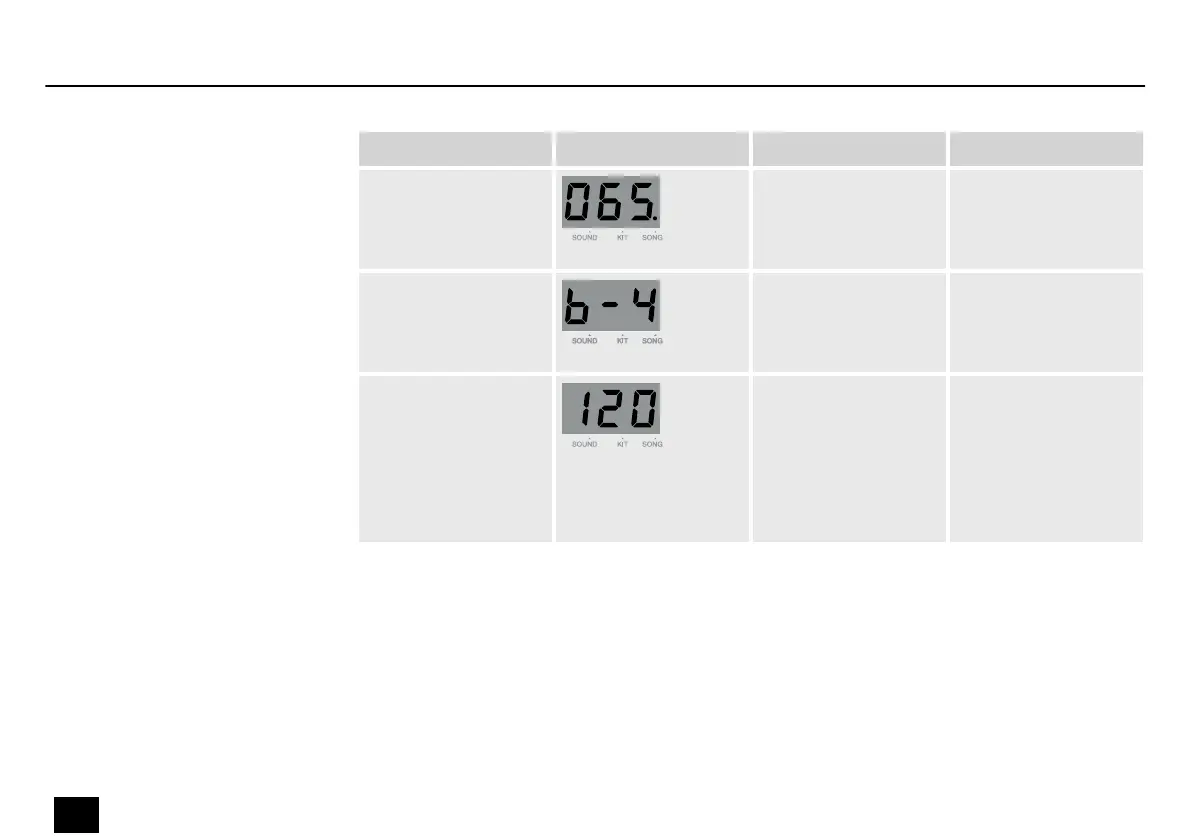
Submenu Display Area Description
Song ‘---’ , 1…110 Select an accompa‐
nying song. ‘---’
means that no song
is selected.
Beat 1…9 Click beats are only
possible if ‘---’ is
selected in the Song
menu.
Tempo 40…240 Set the recording
tempo. The standard
tempo is 120. If an
accompanying song
is selected, the
tempo will be based
on that song.
While in recording mode, press [PLAY/STOP] or hit a pad to start recording. The length of the
recording is shown on the display. The dots on the display ash in the selected tempo and the
rhythm of the selected beat. [RECORD] and [PLAY/STOP] light up during the recording.
Press [PLAY/STOP] to stop recording.
Starting and stopping recording
Operation
24
MD-100
Mobile Drum














 To Next Page