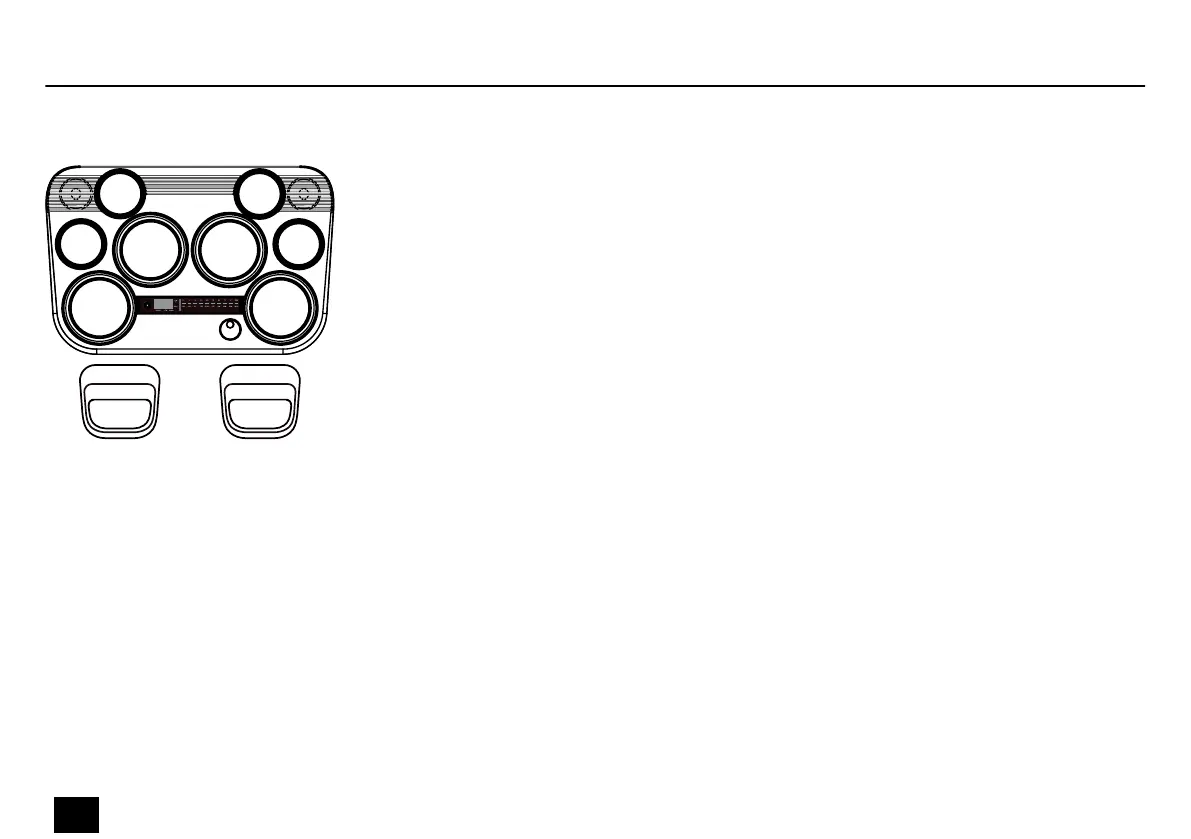
Press [SAMPLER] to start the sampler. The indicator in the button lights up and [PLAY/STOP]
ashes.
When it is switched on, the sampler is in playback mode. The Click and Song functions are disa‐
bled automatically.
In playback mode, each pad corresponds to a user sound slot. If data are stored in a sound slot,
the indicator of the respective pad lights up.
Hit the pad to save a sound. The corresponding sound number is shown on the display.
Setting sampler mode
U 02
U 01 U 04
U 06
U 05
U 09 U 10
U 08
U 07
U 03
Operation
26
MD-100
Mobile Drum














 To Next Page