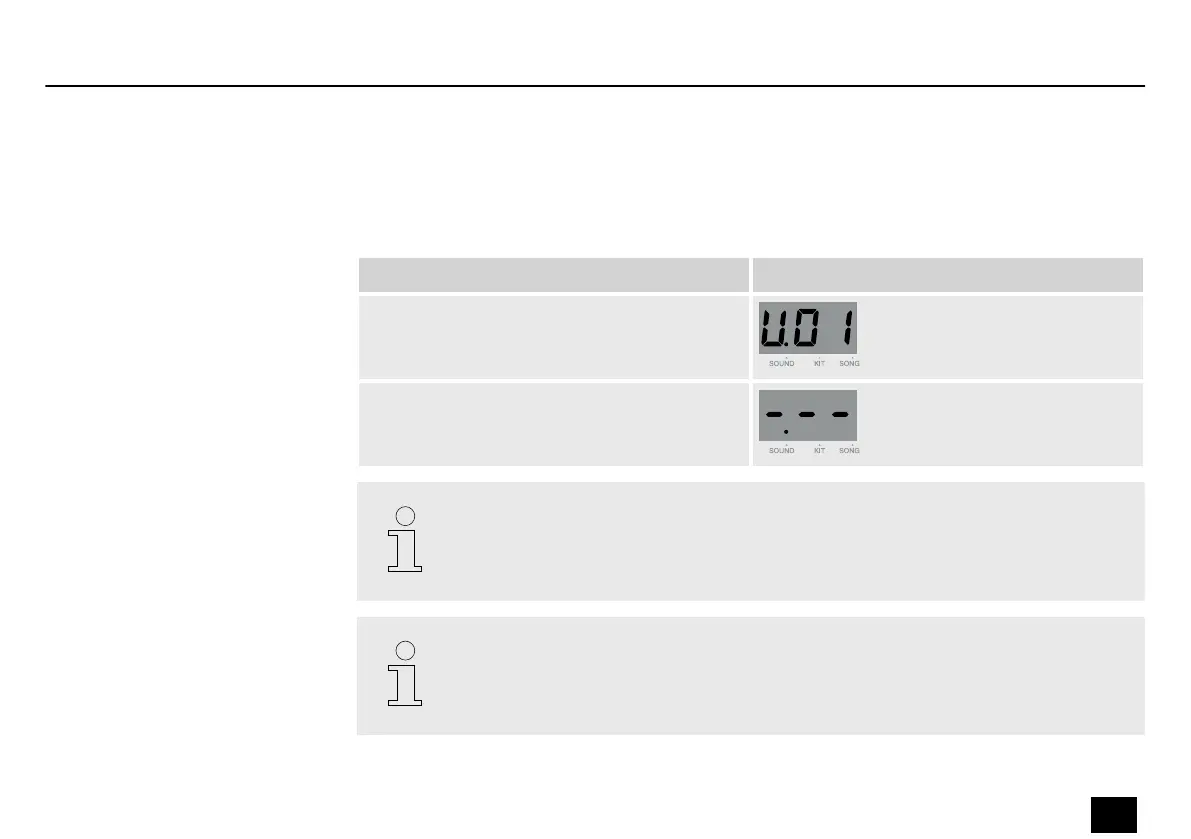
In playback mode, hit a pad, then press [PLAY/STOP] to start sampling.
During sampling, [PLAY/STOP] lights up and the display shows ‘-.--’ . As soon as you stop sam‐
pling, the device returns to playback mode.
Submenu Display
Playback mode
Sampling
The sampling rate is 32 K, 16 bit, mono. Each sampler can record up to 3 seconds.
If a device is connected via [AUX IN], it is automatically selected as the sampling
source. If no device is connected via [AUX IN], the integrated microphone is used.
Starting sampling
Operation
MD-100
27
Mobile Drum














 To Next Page