You can set the EQ and trigger parameters in the Utility menu.
Press [UTILITY] to open the Utility menu. The display shows the parameters of the current sub‐
menu.
Use the adjustment wheel to adjust the parameters. Press [PAGE] to go to the submenu.
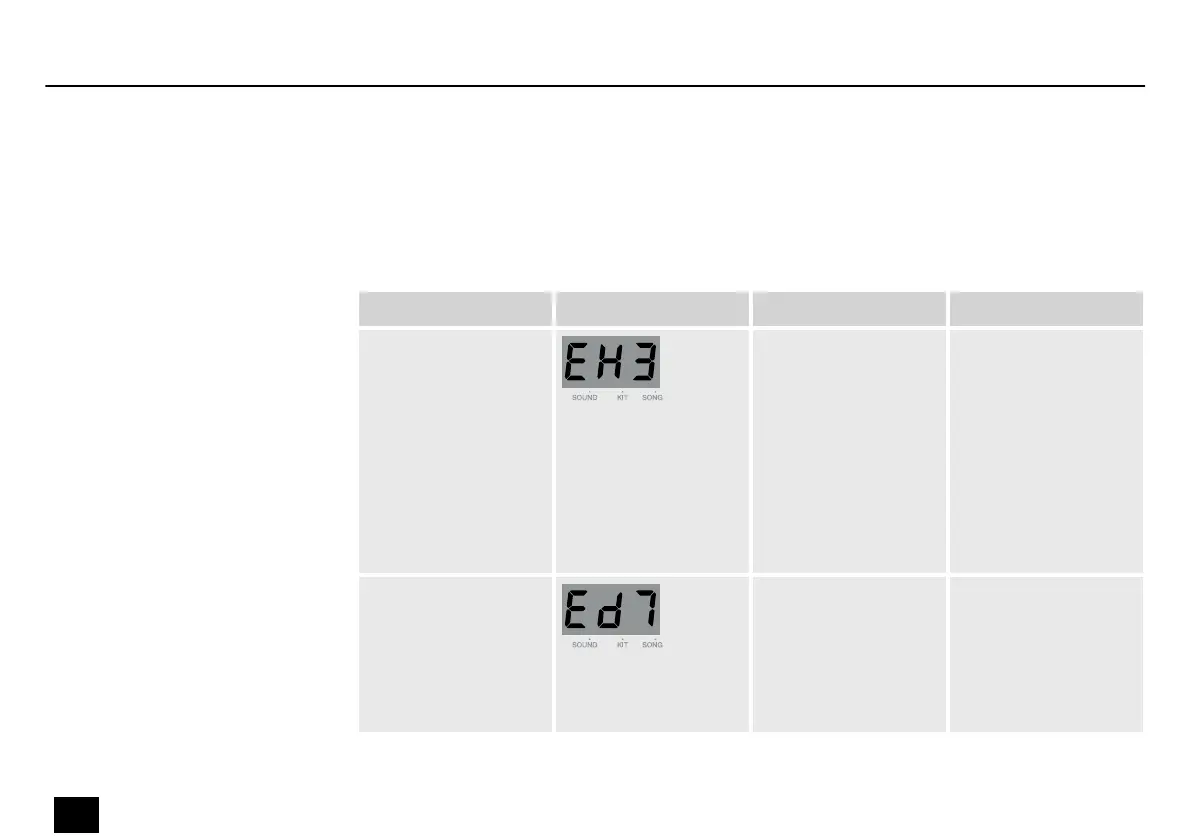
Submenu Display Area Description
EQ high 1…9 Set the high band
gain.
The parameters cor‐
respond to the fol‐
lowing decibel
values: .=-3 dB,
2=-2 dB, 3=-1.5 dB,
4=-1 dB, 5=0 dB,
6=1 dB, 7=1,5 dB,
8=2 dB, 9=3 dB,
EQ medium 1…9 Set the medium band
gain.
The parameters cor‐
respond to the dec‐
ibel values for EQ
high.
Making utility settings
Operation
28
MD-100
Mobile Drum














 To Next Page