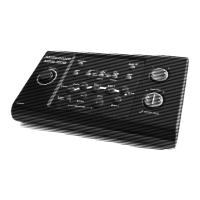
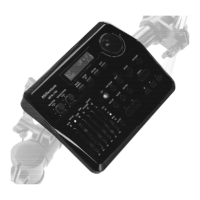
1 [MASTER VOL.]
Rotary control for adjusting the Line out volume.
2 [HEADPHONE VOL.]
Rotary control for adjusting the headphones output volume.
3 Backlit display.
4 [PAGE DOWN]
Button to scroll forward through the open menu.
5 [PAGE UP]
Button to scroll backward through the open menu.
6 [ENTER]
Enter button to confirm a selection or change.
7 [EXIT]
Return key to exit a menu or to discard changes.
Connections and controls
MPS-750
19


 To Next Page