24
8. Settings
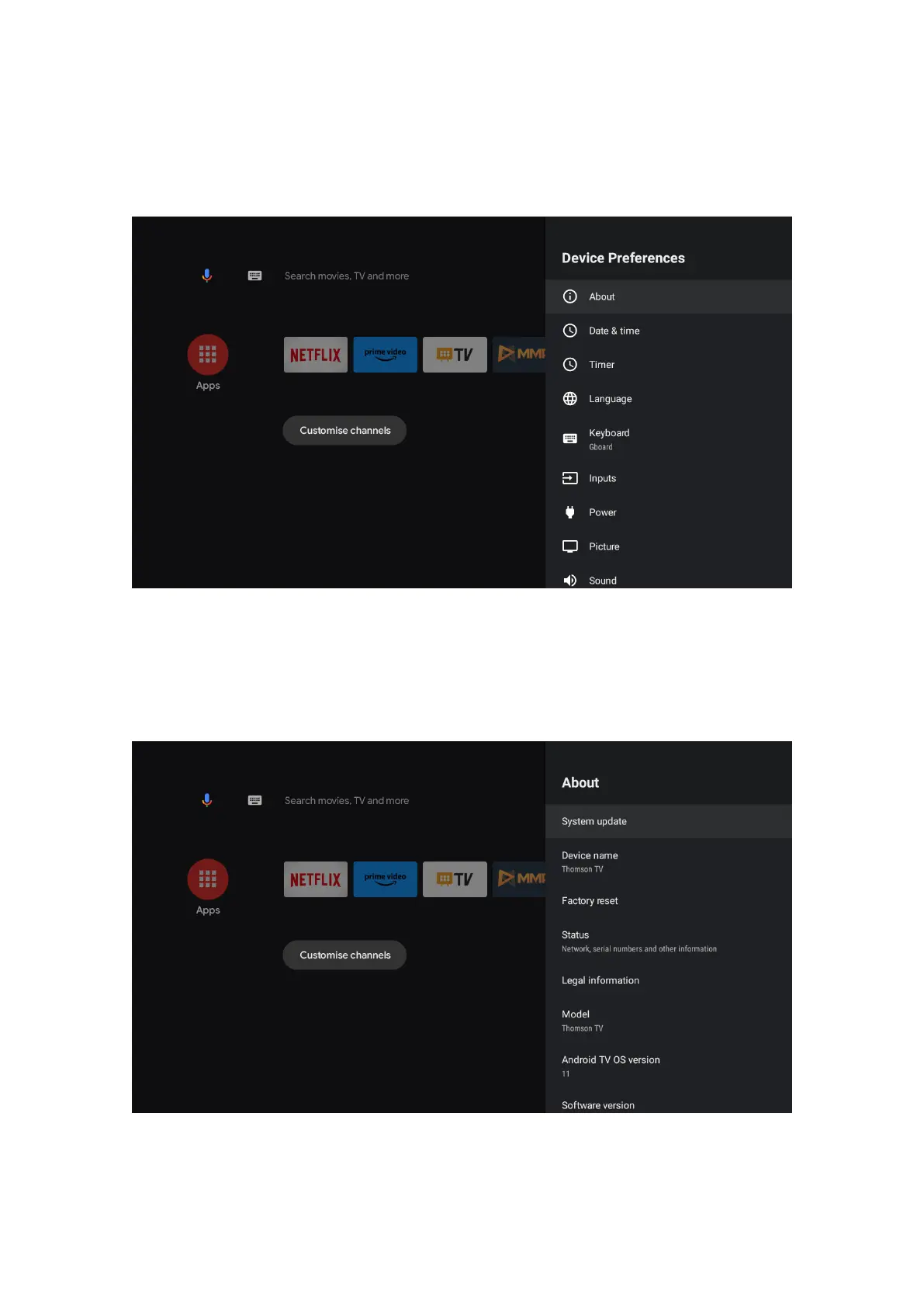
Device Preferences
1. Press the directional buttons to select the options About, Date & Time, Timer, Language, Inputs, Picture,
Sound, Google Assistant, Reset and others.
2. Press OK to jump to the corresponding sub-option.
About
1. Press the directional buttons to check additional information such as system update, Device name, Restart,
Status and more.
2. Press BACK button to return to previous menu
Press EXIT button to exit the menu.
The above pictures are for reference only, please refer to the product for details.



 To Next Page