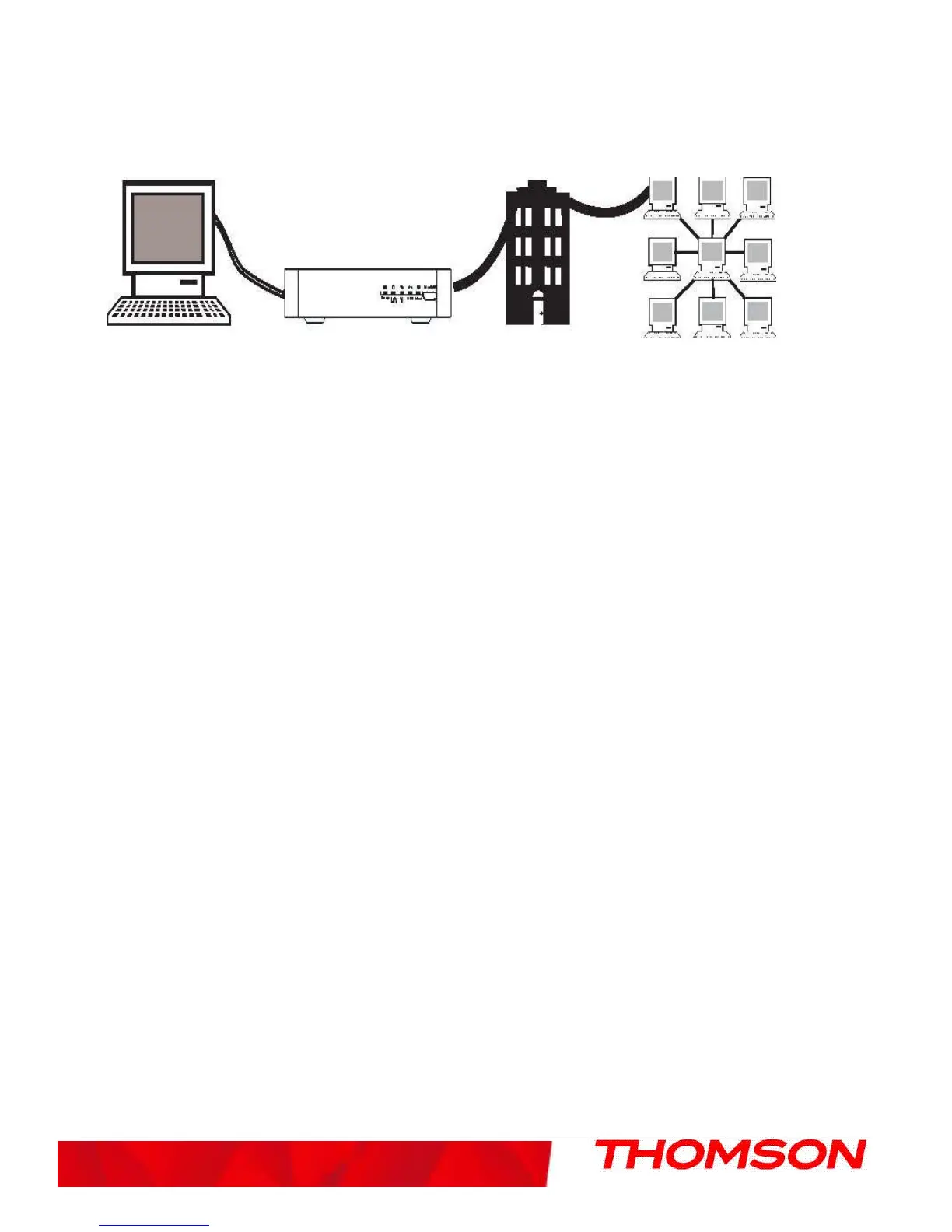
Relationship Among the Devices
This illustration shows a cable company that offers DOCSIS compliant Internet services
Computer Cable Modem Cable Company Internet
What the Modem Does
The Thomson digital cable modem serves as a two-way high-speed bridge between your personal computer and a
cable Internet Service Provider (ISP). It converts information that originates from the Internet or your computer
into electronic messages that can be transported over the same wires your cable company uses to transport video
signals.
What the Modem Needs to Do Its Job
●
The Right Cable Company: Make sure your local cable company provides data services that use cable
industry-standard DOCSIS technology compatible with your cable modem.
●
The Internet Service Provider (ISP): Your cable company provides you access to an Internet Service Provider
(ISP). The ISP is your gateway to the Internet. It provides you with a pipeline to access Internet content on the
World Wide Web (WWW).
Check with your cable company to make sure you have everything you need to begin; they’ll know if you need
to install special software or re-configure your computer to make your cable internet service work for you.
Contact Your Local Cable Company
You will need to contact your cable company to establish an internet account before you can use your modem.
You should have the following information (which you will find on the sticker on the modem) ready:
.
●
The serial number
.
●
The model number of the modem
●
The Media Access Control (MAC) address
.



 To Next Page