EasyManua.ls Logo

THOMSON SPEEDTOUCH 330 - User Manual

THOMSON SPEEDTOUCH 330
34 pages
Print Icon
To Next Page IconTo Next Page
Loading...
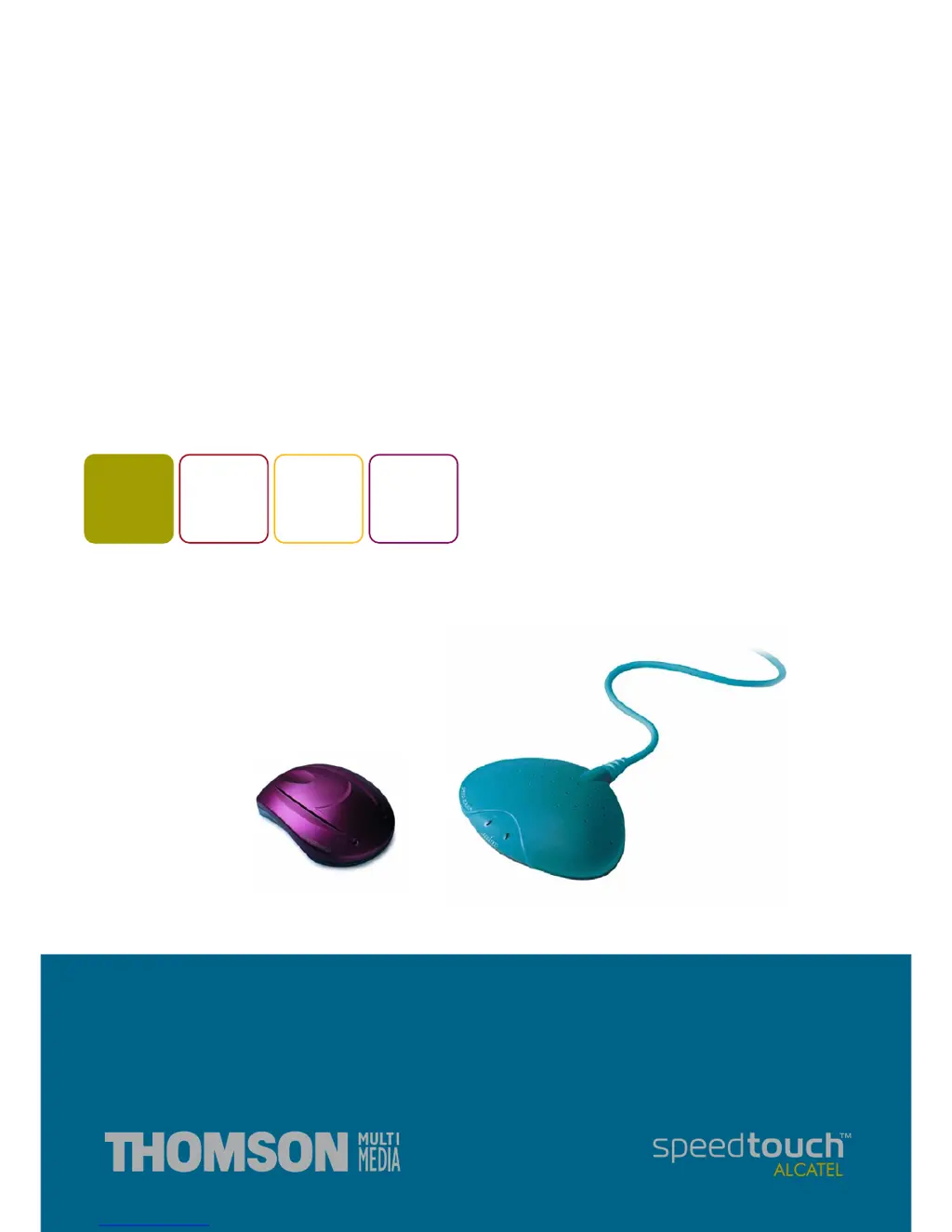
SpeedTouch™
USB/330
ADSL USB Modem
Installation and User’s Guide
300
SERIES

Other manuals for THOMSON SPEEDTOUCH 330

Questions and Answers

  • T
    tommy20Jul 30, 2025
    How to fix Speed Touch™USB installation failed on THOMSON SPEEDTOUCH 330 Modem?
    • M
      merrittbettyJul 30, 2025
      If the Speed Touch™USB installation failed for your THOMSON Modem, first verify that your computer's operating system is supported and meets the minimum requirements. Also, check if the STUSB is connected to a low-powered USB hub port. Consult the USB hub's user guide for more details.
  • K
    Kevin LopezAug 9, 2025
    What to do if USB LED flashes red on THOMSON SPEEDTOUCH 330?
    • K
      Kristopher HuangAug 10, 2025
      If the USB LED on your THOMSON Modem flashes red or stays solid red, it indicates that your USB port is congested due to excessive traffic. To resolve this, avoid using multiple high-speed USB devices such as scanners and speakers during heavy data usage, like downloads.
  • E
    Edward HarmonAug 19, 2025
    Why are both USB and ADSL LEDs solid amber on my THOMSON SPEEDTOUCH 330 Modem?
    • L
      Lawrence HolmesSep 12, 2025
      If both the USB LED and ADSL LED on your THOMSON Modem are solid amber, it means the Power On Self Test (POST) has failed. Ensure that all connections are correctly made to fix this issue.

Summary

SpeedTouch Introduction

Safety Instructions

Important safety precautions to follow before connecting the device.

Get Acquainted to the SpeedTouch

SpeedTouch for Microsoft Windows

Plug-and-Play Compliant Installation

Alternative installation method utilizing Windows Plug-and-Play functionality.

SpeedTouch for Mac OS

Installing the SpeedTouch

Instructions for installing the SpeedTouch modem on Mac OS.

Using the SpeedTouch

How to operate the SpeedTouch modem on Mac OS systems.

Troubleshooting

Solving Common Problems

Methods to identify and correct common issues encountered with the STUSB.

STUSB LED Indicators

Explanation of the USB and ADSL LED status lights and their meanings.

THOMSON SPEEDTOUCH 330 Specifications

General IconGeneral
TypeADSL Modem
InterfaceUSB
Connectivity TechnologyWired
Data RateUp to 8 Mbps downstream, 1 Mbps upstream
ADSL StandardsG.DMT, G.Lite
LED IndicatorsPower, ADSL
Operating System CompatibilityWindows

Related product manuals