3EC 36716 BAAA TCZZA Ed. 01
3 SpeedTouch™ for Microsoft Windows
16
3.2. Using the SpeedTouch™
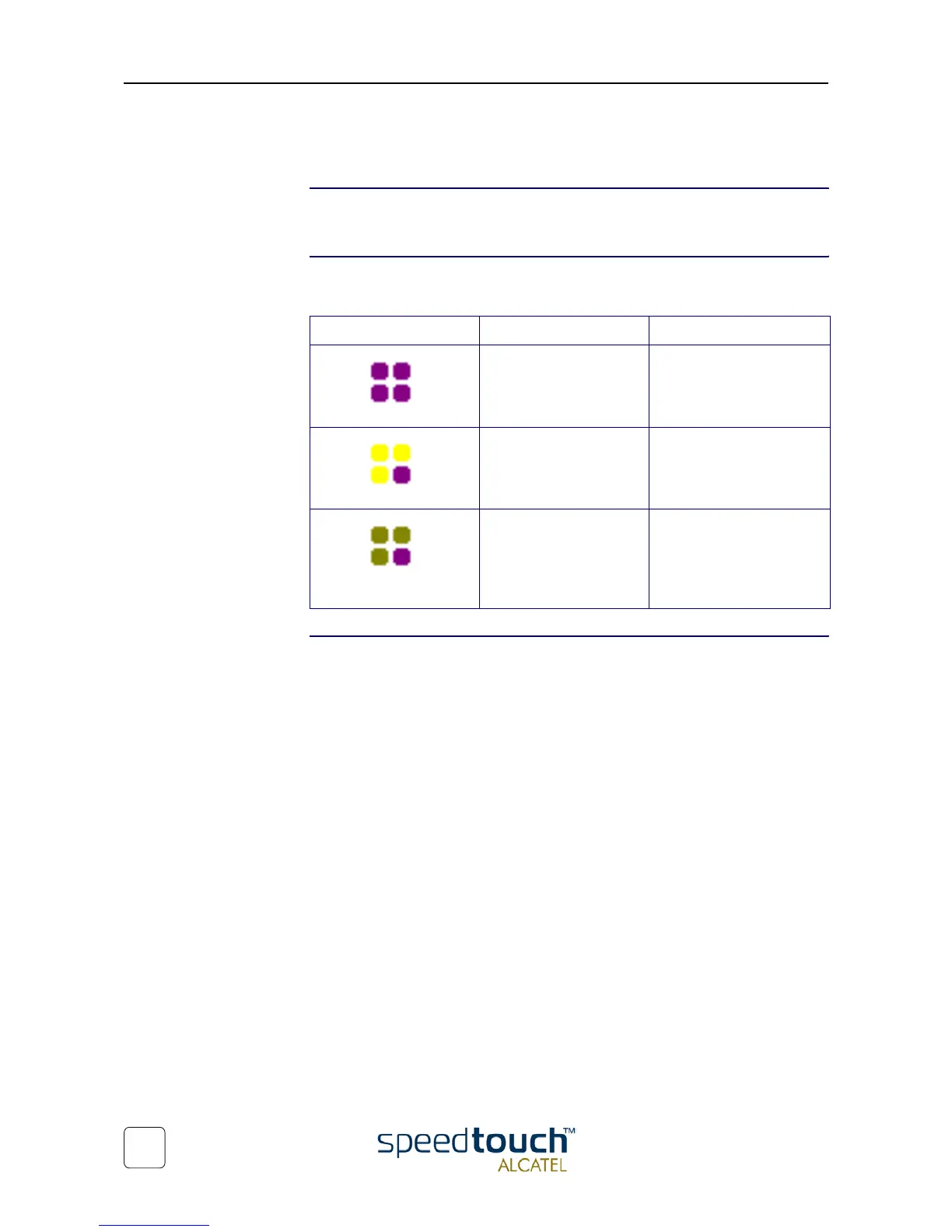
STUSB status icon As soon your STUSB is installed, a STUSB status icon is shown at your desktop's system
tray.
STUSB status icon
colors
The STUSB status icon is colored, depending on the state of the STUSB device. If you
position your mouse pointer over the STUSB status icon, a message pops up:
STUSB Diagnostics The STUSB status icon is also a short-cut to the STUSB Diagnostics application. This
application allows you to overview some detailed parameters and settings of your
STUSB and the current connection.
Refer to the STUSB Diagnostics Guide for more information. The latest version of the
Diagnostics Guide can always be downloaded from the SpeedTouch Support web pages.
System tray icon Message Description
ADSL Modem
Modem not plugged in
The STUSB is not plugged
into the PC's USB port. An
ADSL connection can not
be established.
ADSL Modem
Initializing ADSL line
The STUSB is plugged in,
but has not (yet) accom-
plished synchronization
over the ADSL line.
ADSL Modem.
Sent : X bytes
Received : Y bytes
The STUSB is connected,
and synchronized, and has,
up to this moment, sent X
bytes, and received Y bytes
over the ADSL line.



 To Next Page